
One of the things D’Arcy Norman noted of the original live stream of “20 Years of bavatuesdays” was that the resolution of my camera was about as good as a webcam stream from 1998. This is the second time this has happened, and the issue is related to the fact that I’m coming from another stream in Streamyard (the Family Pictures Podcast in this case) and if a local recording is uploading while starting a new stream it impacts the quality.
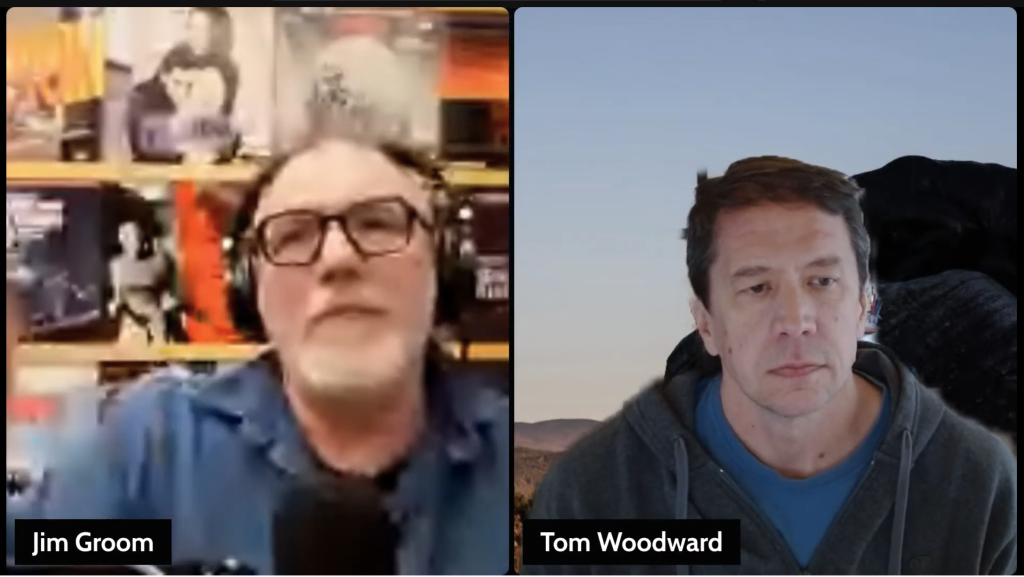
Terrible stream quality due to local recording from previous stream still uploading
While the stream’s quality for my video was pretty bad, the upside is that the local recording feature in Streamyard allows me to fix that issue for posterity. I’ve used Streamyard regularly these days for the Family Pictures Podcast, the “On Writing” series, and Reclaim Open, so it’s become an invaluable tool— and frankly it’s pretty awesome. So knowing that I’d want the conversation between Tom and I to honor twenty years on the bavablog, I tried to figure out how to swap out the local recording with the bad stream version.
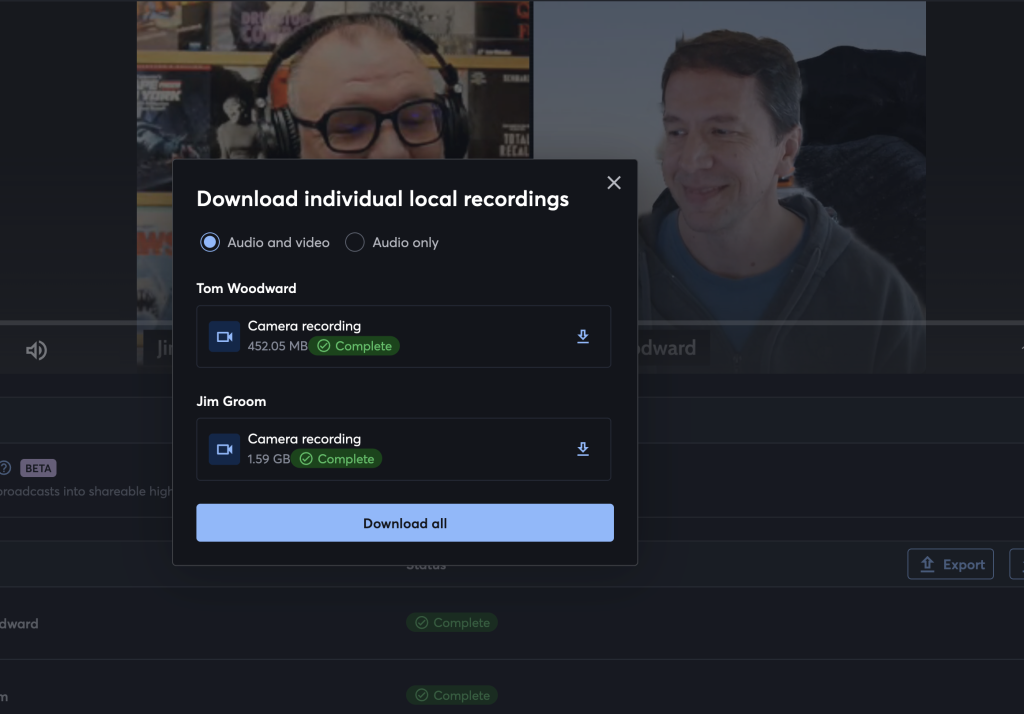
Option in Streamyard to download individual video/audio recordings.
Streamyard gives you the option to download each each/all of the local recordings for all participants. I then realized I would need to download both and remix the whole thing in a video editor, which made me think twice. But when I click on the export button rather than download it gives me a series of options to download them for specific video editors, namely Final Cut, DaVinci, and Adobe Premiere Pro.
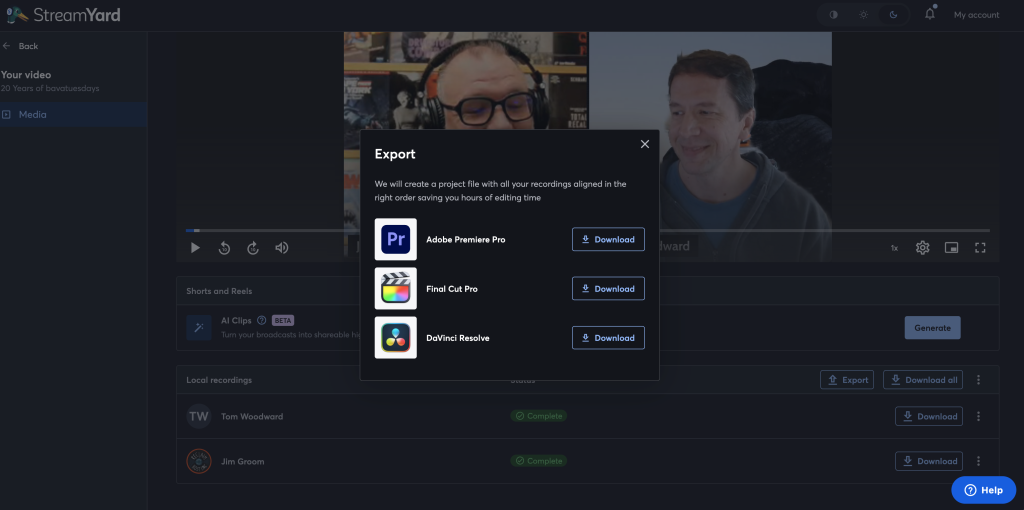
Export options for local recordings in Streamyard to various video editors
That got me thinking, I can get DaVinci Resolve for free and while I’ve no experience with any of these tools Streamyard gives you a pretty good head start. And boy does it. After jerking around with the video stupidly for an hour or so pretending it was iMovie, I just searched how to take the two separate local videos of Tom and I and create a split screen. Turns out DaVinci’s xml timeline Streamyard creates already did this for me, I just had to use the crop and position tools to adjust each of the videos into place. The following video is a 2 minute tutorial on how to do this—it’s dead simple. It made me love Streamyard (and now DaVinci) that much more.
It also made me think, what if I do my Madden 2001 streams through Streamyard—not so much for the local recordings which I can already get via OBS—but for the AI created shorts and highlight reels. They may be hit or miss, but they create a bunch (12 for the 20 Years of bavatuesdays video to be exact), and right now I spend a lot of time clipping videos from these weekly games and turning them into GIFs and longer reels. Even better, what if I spend some time learning DaVinci over the next year or so and start getting my AI Maddeness Films game on for real? That would be a blast.

Thank god we’re now in HD. I was super concerned all that makeup was for nothing.
You were always in HD, it was my video that was so shitty. And people will joke online nd in this comment thread, but I need to look my very best for posterity—it’s one of my rules.
I can now see your pimples.
Those are just signs of pimples of yore 😉
You know I had to comment and welcome you to the world of Davinci Resolve. I need to look into the exporting from Streamyard now too.
Loving the little I have experienced of DaVinci resolve, and have a feeling this Xmas break is going to be all about NFL Films exploration with resolve 🙂