Welcome to the ds106zone! Please read the following email in its entirety. Please note that all the assignments/tasks listed below are due no later than Sunday (5/26) night at midnight, though I can’t tell you enough that if you wait until Sunday to do them you will be screwed. Also, the Daily Create assignments need to be completed and published on the day they come out (hence the daily!). This week will be dedicated to the following things:
- Getting an overview of what the class is all about
- Understanding and starting The Daily Create
- Solving any lingering tech issues. Your sites should be setup, we need to make sure the domain is resolving, you have your blog setup, and it is feeding cleanly into the ds106.us site (this all needs to be done immediately).
- Getting familiar with how to blog, using WordPress, and personalizing your site by choosing a theme and adding some plugins
- Starting visual and design assignments
Please note that this class moves at a lightening fast pace, and if you don’t stop to look around once and a while it will pass you by. You can find the syllabus here.
A note to Open, Online Participants: You can complete as much or as little of what’s listed above as you want. If you have any questions, feel free to send me an email at [email protected] or a tweet at @jimgroom.
What’s this ds106 thing all about?
To start familiarizing yourself with the concepts behind ds106 and what the class is trying to accomplish we have a number of resources we expect you to check out.
Scott Lockman: the Lo Way
First and foremost, Scott Lockman, a.k.a Scottlo, has already started a podcast wherein he is framing some of the larger ideas and assignments for the class, as well as preparing us all for the audio section of this course during the end of week two and through week 3. You will be expected to listen to his podcast regularly, which will be published here, as well as catch up on a background episode he has already published wherein he talks about the maverick radio storyteller Arch Obler as well as interviews me (Jim Groom) about what critical interrogation of the web ds106 might mean in terms of ds106:http://scottlo.com/?p=1519Not only are these podcasts required listening, you will be expected to blog about these podcasts.
Episdoe 1: “ds106zone LoDown 001”
tag: scottlocast
Gardner Campbell: Personal CyberInfrastructure
Additionally, you will need to read Gardner Campbell’s short article “A Personal Cyberinfrasstructure” as well as watch the presentation he gives on the topic of controlling your own domain at the Open Education conference in 2009 here:
[youtube]http://www.youtube.com/watch?v=lelmXaSibrc[/youtube]
Take notes on the topics he discusses that make you think about what it means to be creating your own spaces online. Write a reflection on this talk- how you do this us up to you; for now writing is okay, but in the future we expect you to use media, links, etc to express your thoughts. The main point of this reflection is to connect the concepts described by Campbell to your own experiences on the web, and project how this might play out as you develop your own online space for this class.
tag: personalcyberinfrastructure
Michael Wesch: Knowledgeable to Knowledge-able
Finally, you need to watch and review Mike Wesch’s talk on internet culture titled from “Knowledgeable to Knowledge-able: New Learning Environments for New Media Environment.” Wesch’s keynote delivered at UMW in May 2011 is directly relevant to what we are trying to accomplish in ds106. Take notes on the topics he discusses that make you think about what it means to be creating your own spaces online. Write a reflection on this talk. The main point of this reflection is to connect the concepts described by Wesch to your own experiences on the web, and project how this might play out as you develop your own online space for this class.
Part One of Wesch Presentation: http://vimeo.com/23913046
[vimeo]http://vimeo.com/23913046[/vimeo]
Part Two of Wesch Presentation: http://vimeo.com/23820500
[vimeo]http://vimeo.com/23820500[/vimeo]
tag:knowledge-able
The Daily Create
What is the Daily Create?
The Daily Create (http://tdc.ds106.us/) For credit students need to do at least four times a week for the entire Summer session (that’s twenty Daily Creates!). The Daily Create is a way to help you regularly practice the particular form of digital media we are working on at that moment. For example, we will be focusing on digital photography and design for the first week and a half, so the Daily Creates will mirror that focus. As we move into audio and video the same will be true, and so on.
Today’s Daily Create
Today’s DailyCreate is linked below and it is required! http://tdc.ds106.us/welcome-to-the-ds106zone-take-a-photo-that-introduces-yourself-to-the-class/
Subscribing to the Daily Create
The day’s Daily Create publishes everyday at 10 AM EDT. You can go directly to the site to find the day’s assignment or subscribe for a daily email (subscription form can be found here in the bottom right sidebar), or even follow TDC on twitter (https://twitter.com/ds106dc).
Uploading and Tagging your Daily Create
Your photo or design should be uploaded to your Flickr account and tagged appropriately, in Flickr that means one tage that says dailycreate and a second that reflects the day’s assignment, such as tdc498 for today’s TDC or tdc499 for tomorrow’s, etc. If it’s tagged correctly it will show up on the TDC assignment page for that day, if it isn’t it won’t and you will not get not credit for that particular TDC. Pro tip: you need to have at least five photos uploaded to Flickr and made public for them to make your account feed active. Anything less than five photos and your account won’t syndicate to the TDC. We recommend uploading at least five images from your computer immediately if you are new to Flickr.
Tweeting Your Daily Create
You also need to Tweet your Daily Creates with a title, a link to the creation, and two hashtags: #dailycreate and the particular tag for that day’s daily create, for example todays will be #tdc498, tomorrow’s will be #tdc499, etc. You can find the specific tag for each day’s assignment in the assignment page’s URL: http://tdc.ds106.us/tdc498/. Additionally, if your work isn’t re-publishing in the assignment page from FLickr, YouTube, SoundCloud, etc., you can add your creation directly to that day’s TDC assignment by click on the “Add Your Response” button and filling out the form. Pretty slick, no?
Submitting Your Own Daily Create
Finally, you are strongly encouraged to add your own Daily Create assignment for the class to do, go here to share your brilliance and make us your creative slaves: http://tdc.ds106.us/suggestions/
More about the Daily Create
Read more about TDC here: http://tdc.ds106.us/
Basics of Blogging, Embedding Media & Personalizing Your Site
Blogging Tips
This Blogging Tips guide provides you with an excellent overview of some of the formal elements of blogging. Specifically how to frame your voice, how to provide context, grab your readers attention, link! link! link!, incorporating media, etc. Following those guidelines is crucial to your success in ds106.
Getting Started With WordPress
Alan Levine provides an excellent overview in the following video that helps you start setting up categories for your work, changing your blog title from My Blog to something meaningful, understanding the distinction between pages and posts, using the menus, understanding permalinks, and more. This video is a must for all you UMW students who are just getting up and running.http://youtu.be/XGRIvvDhzyc
Writing a Post in WordPress
Martha Burtis provides a screencast (linked below) that gives you an overview on how to create a post in a WordPress blog if you haven’t done so before. The video is a great overview, but the interface may be a bit different given this video was done almost a year ago: http://youtu.be/V8qD6mQWpQc?t=4m1s
Start it at 4:01
Writing Up Assignments
The Writing Up Assignments guide gives you a step-by-step guide for what is expected of you when you blog your assignments for this course. Tp get full-credit for your assignments, all these elements need to me met.
Embedding Media in WordPresss
Follow the Embedding Media in WordPress explaining how to embed media in your WordPress posts and pages for a wide range of sites that can be reproduced cleanly in your blog posts.
Installing Themes in WordPress
Martha Burtis created an excellent tutorial for installing themes on your WordPress blog. It’s 17 minutes long, and gives you a comprehensive look at the possibilities. What’s more, you can search google for all sorts of tutorials, tips, etc., but to ensure your site’s security we recommend you using themes (and plugins) from the wordpress.org repository. http://www.youtube.com/watch?feature=player_embedded&v=MuizN4oQZYU
[youtube]http://www.youtube.com/watch?&v=MuizN4oQZYU[/youtube]
Installing Plugins in WordPress
Plugins open a wide door to adding functionality to your site. You look for them and install them directly from inside your dashboard. You can find many lists of “best” plugins, but the best route is to experiment with them, and if they fail, delete ‘em .
As part of the blog setup process for ds106 we ask participants to learn more about [wordpress.org/extend/plugins WordPress plugins] by installing several of them on their sites (if they are a self hosted version of WordPress).
For an in-depth tutorial and screencast detailing how to install plugins on your WordPress blog, see this video (which is also below) by Martha Burtis:
[youtube]http://www.youtube.com/watch?v=NA_ycobOlXE[/youtube]
For starters you need to install the following plugins (all of which have tutorials for the installation):
Akismet (spam prevention)
[youtube]http://www.youtube.com/watch?v=9Qx47Y0Fiig[/youtube]
Twitter Tools (for integration with Twitter)
[youtube]http://www.youtube.com/watch?v=VtNRAR60w-s[/youtube]
Flickr plugin (for integration with flickr)
[youtube]http://www.youtube.com/watch?v=TQDHz-ZjDoY[/youtube]
Jetpack (for subscribing to comments, sytats, and more)
[youtube]http://www.youtube.com/watch?v=wckhTukgLvA[/youtube]
Read more about plugins here.
Additional WordPress Support
Also, UMW students can use this series of how to wordpress videos provided for UMW community members (UMW login required)
Visual and Design Assignments

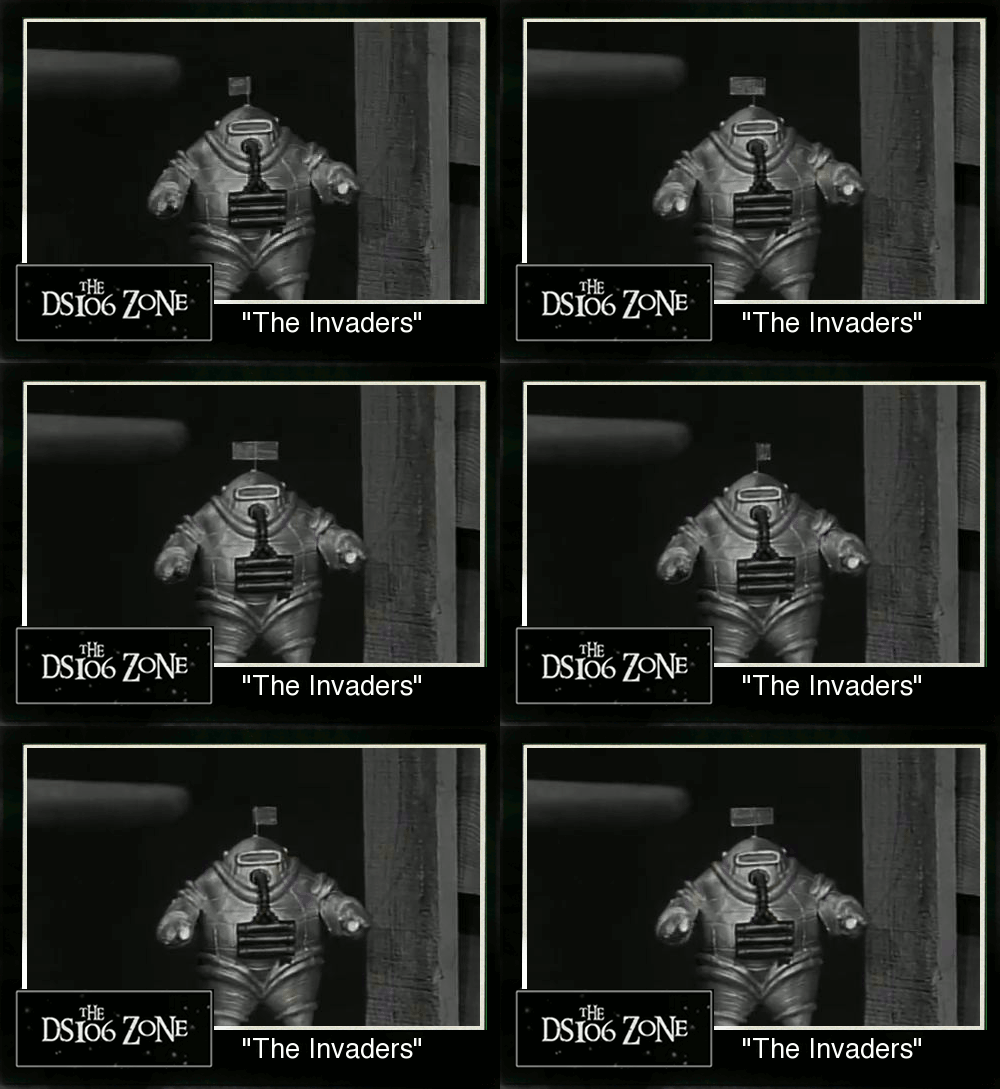
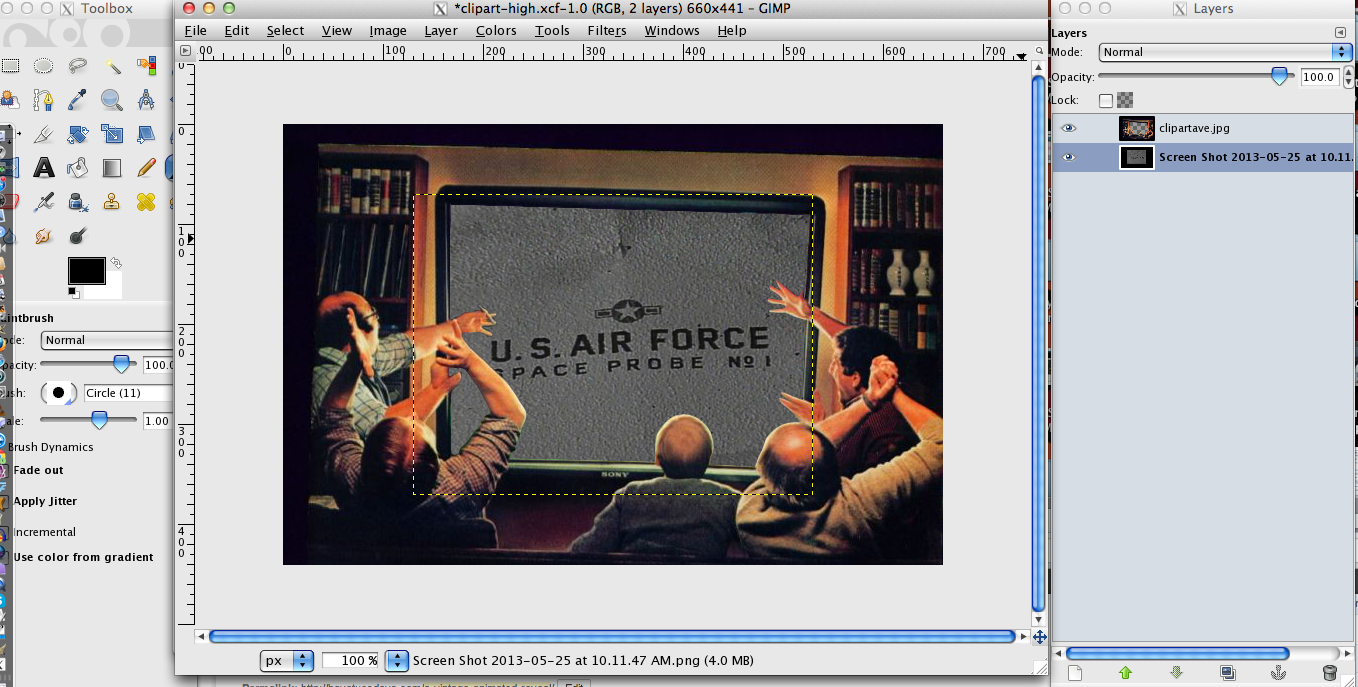
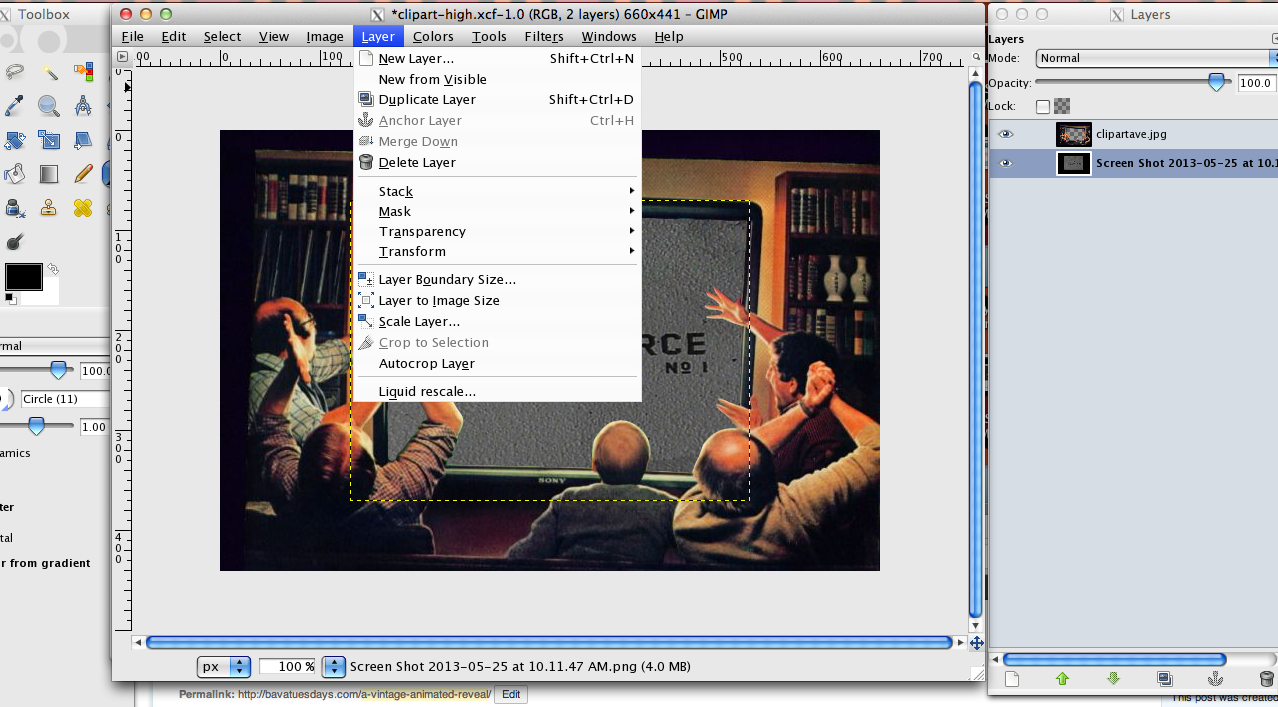
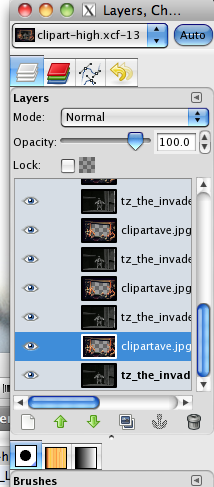
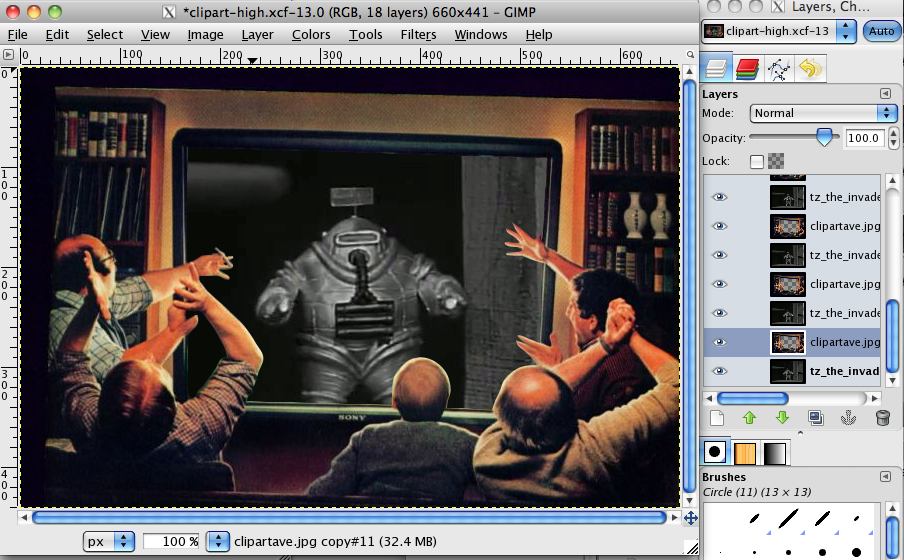
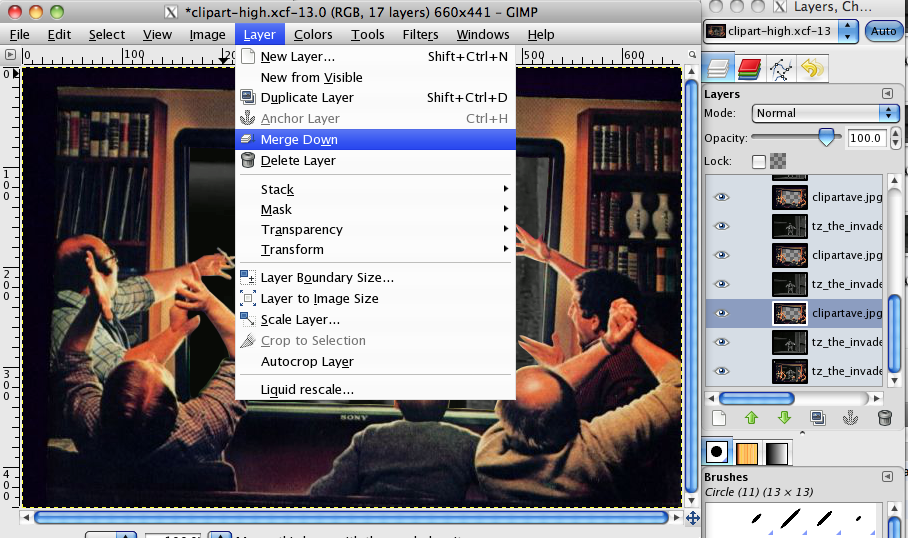
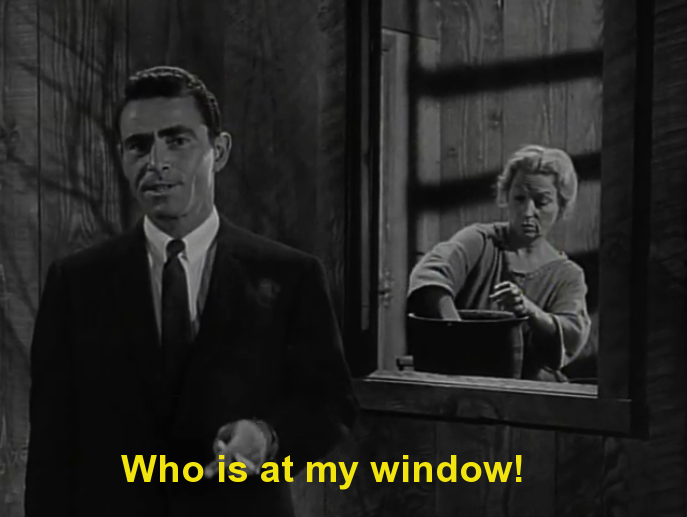
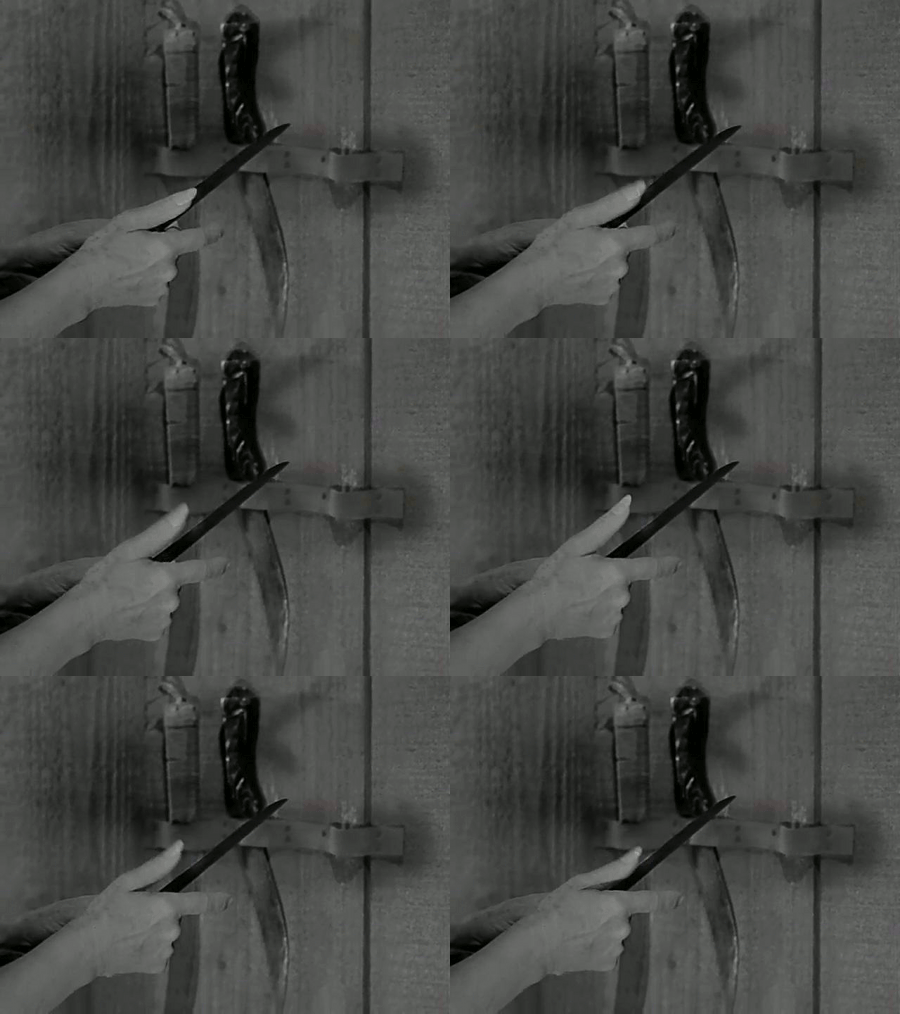
This week we will be focusing on Visual and Design assignments. You will need to complete 20 stars worth of visual assignments and 10 stars worth of design assignments (note that stars denote difficulty, not quality). Also, Animated GIF assignments qualify as both visual and design assignments. You cannot do the same assignment twice, and the only required assignment is the Twilight Zone Animated GIF. Also, the specifics for writing up an assignment post can be found here: Writing Up Assignments.Many of these assignments will require a photo editing software, you can see a wide range of free tools here. GIMP is an open source version of PhotoShop that is quite useful, but if you want to experiment with Photoshop the 30-day trial is free. I will be expecting you to ask me for help on Twitter about these assignments as they come up, but there are a ton of tools and resources on the web as well. To get your started, here is a tutorial for creating an Animated GIF using MPEG Streamclip and GIMP (both free tools).
Additionally, here is a tutorial for creating an animated GIF using Photoshop.
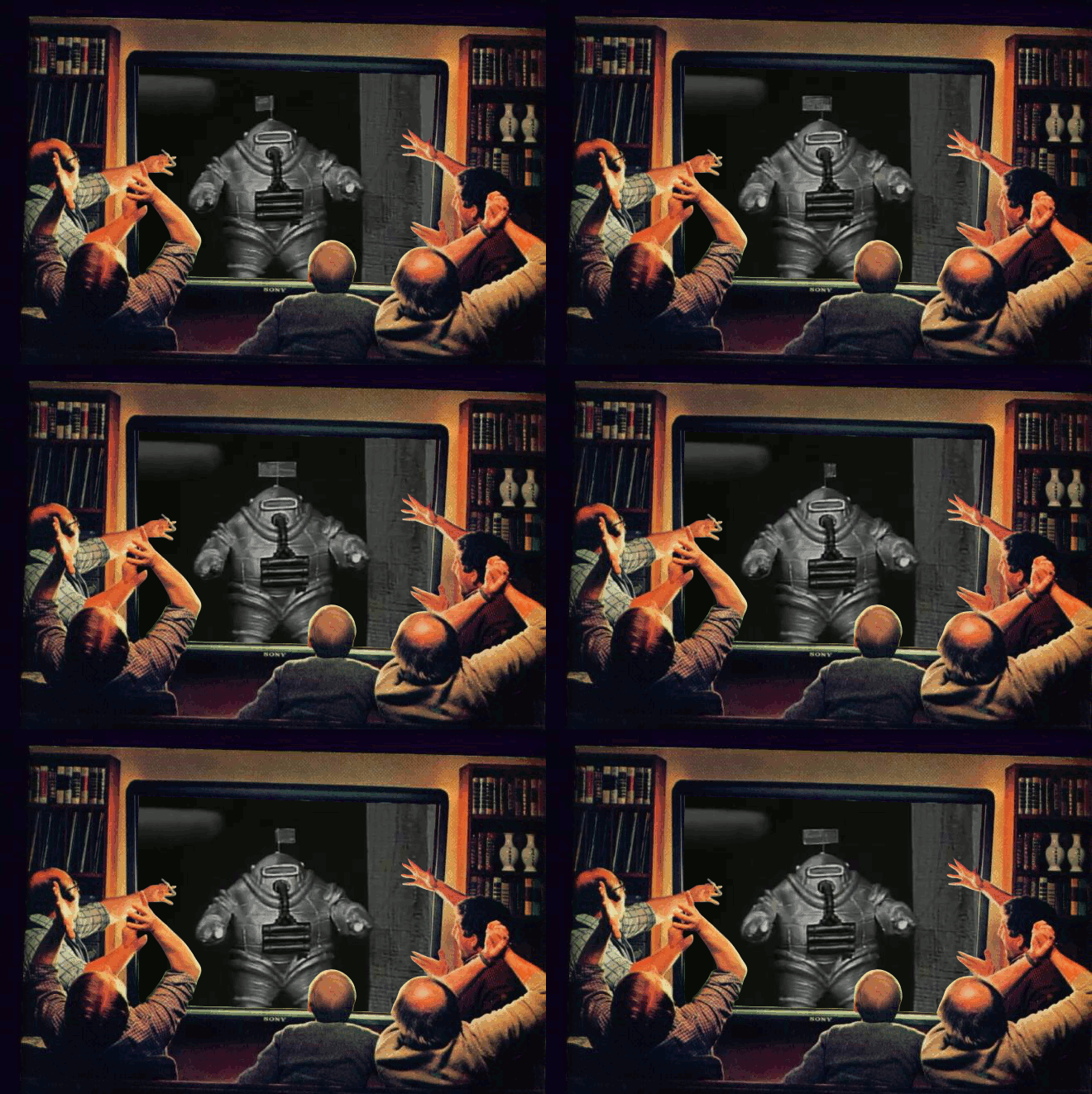
Finally, as part of this week’s assignments, and keeping with the ds106zone theme, on Tuesday, May 21st (tomorrow) at 2 PM, I will be introducing the visual and design assignment, providing some tips and recommendations, as well as airing the first ds106zone episode (all of which will be archived and shared soon after). Everyone will be required to base at least ten of the thirty stars worth of visual and design assignments due this week on the Twilight Zone episode “The Invaders” which you can both watch and download here:http://media.umw.edu/podcasts/ds106zone/twilight-zone-the-invaders
Additionally, don’t feel limited to “The Invaders” for your assignments, we invite you to explore the more than 150 episodes of Twilight Zone that were produced from 1959 through 1965. What more, there are a number of folks onTwitter who are using the hashtags #ds106zone and #episodes to share their favorite episodes if you need some ideas.
Happy hunting!
Intro to Visual and Design, ds106zone episode, and Open Office Hours
On Tuesday, May 21st at 2:00 PM I will be introducing some of the concepts and tools behind the visual and design portion of this class. I will demonstrate a few tools, take you through some work previous students have done, and give you some basic visual/design approaches to make it through a number of assignments. This will be streamed live at http://ds106.tv as well as archived and posted to ds106.us soon after the session if you can;t watch it real time.
On Thursday, May 23rd at 2:00 PM EST, join me in a Google Hangout to talk about how things are going. This will be an open office hour that will allow you to meet other ds106ers and get to know each other. I will be available to answer questions, too. The first 15 participants can participate via video. Others can listen in and participate in the chat. Alan and Martha will be Tweeting the URL for the Hangout right before it starts on Thursday afternoon, so keep your eye on Twitter.