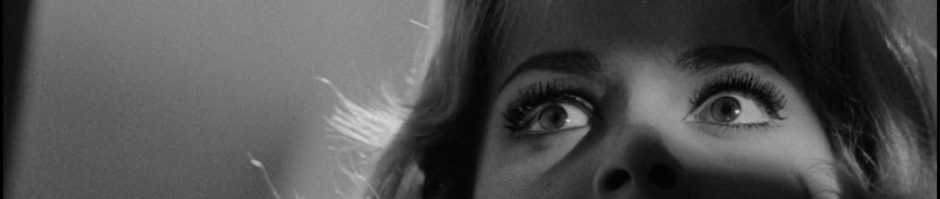
I was inspired by Michael Branson Smith’s awesome American Werewolf in London animated poster this morning, so I went around searching for some possibile posters to animate. I came across an awesome Jason And the Argonauts poster that breaks the film up into multiple illustrated scenes.
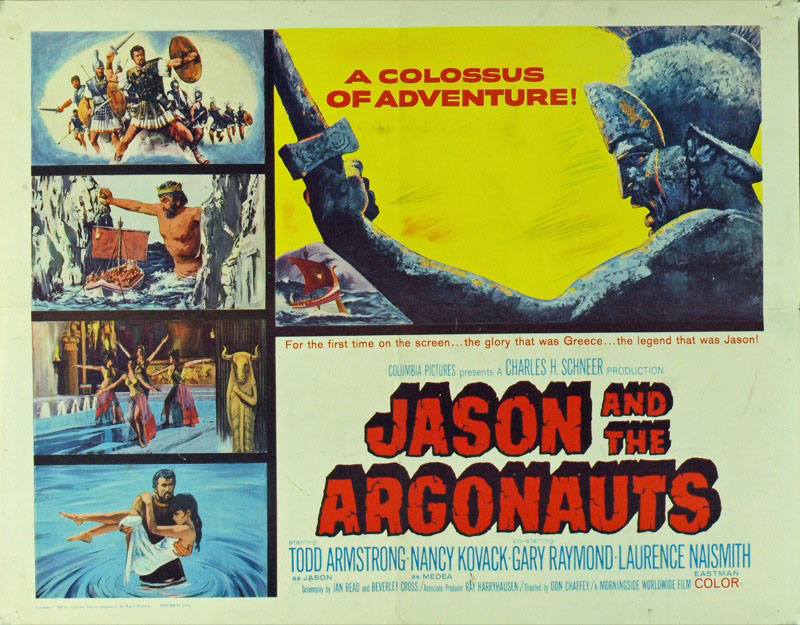
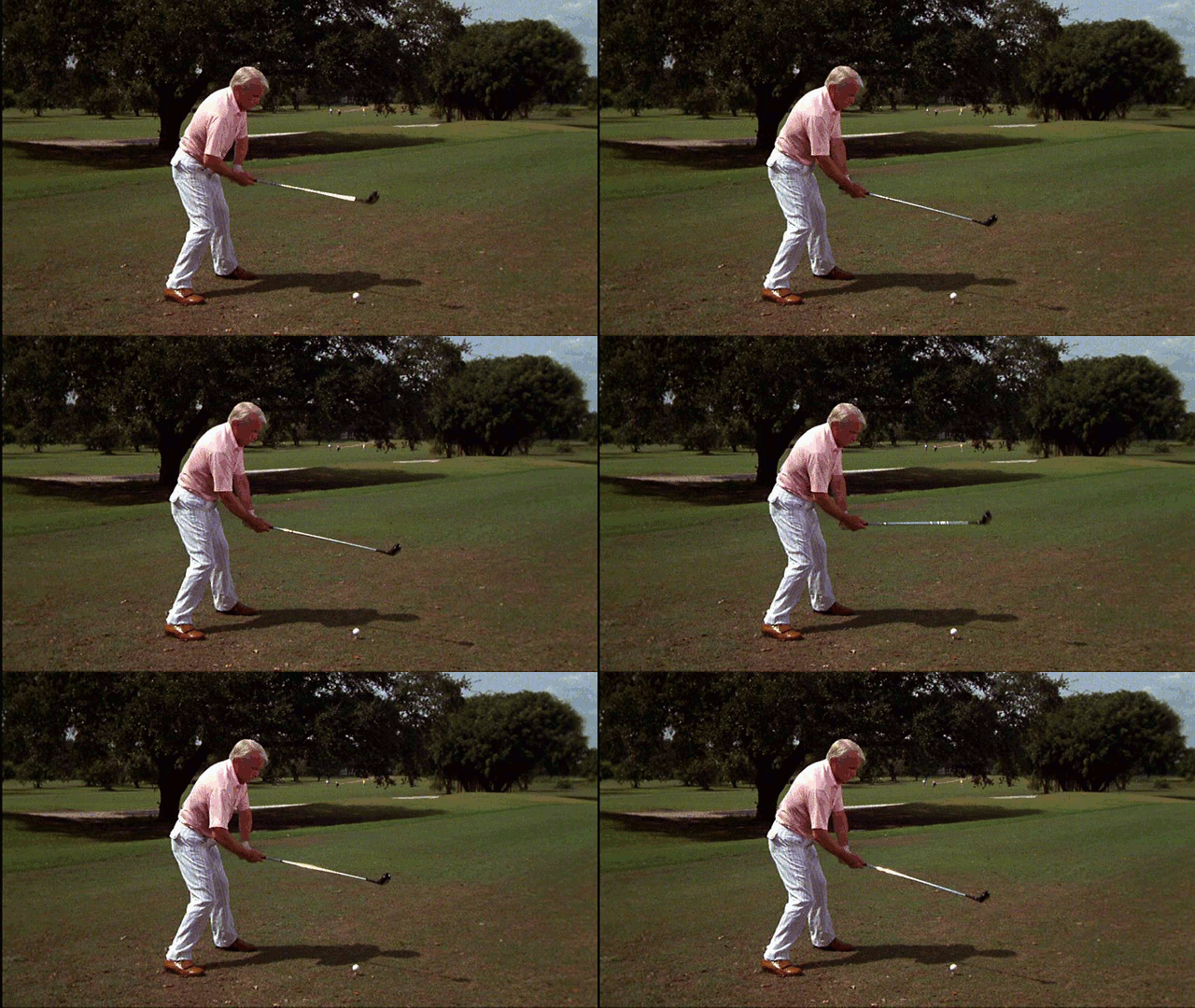
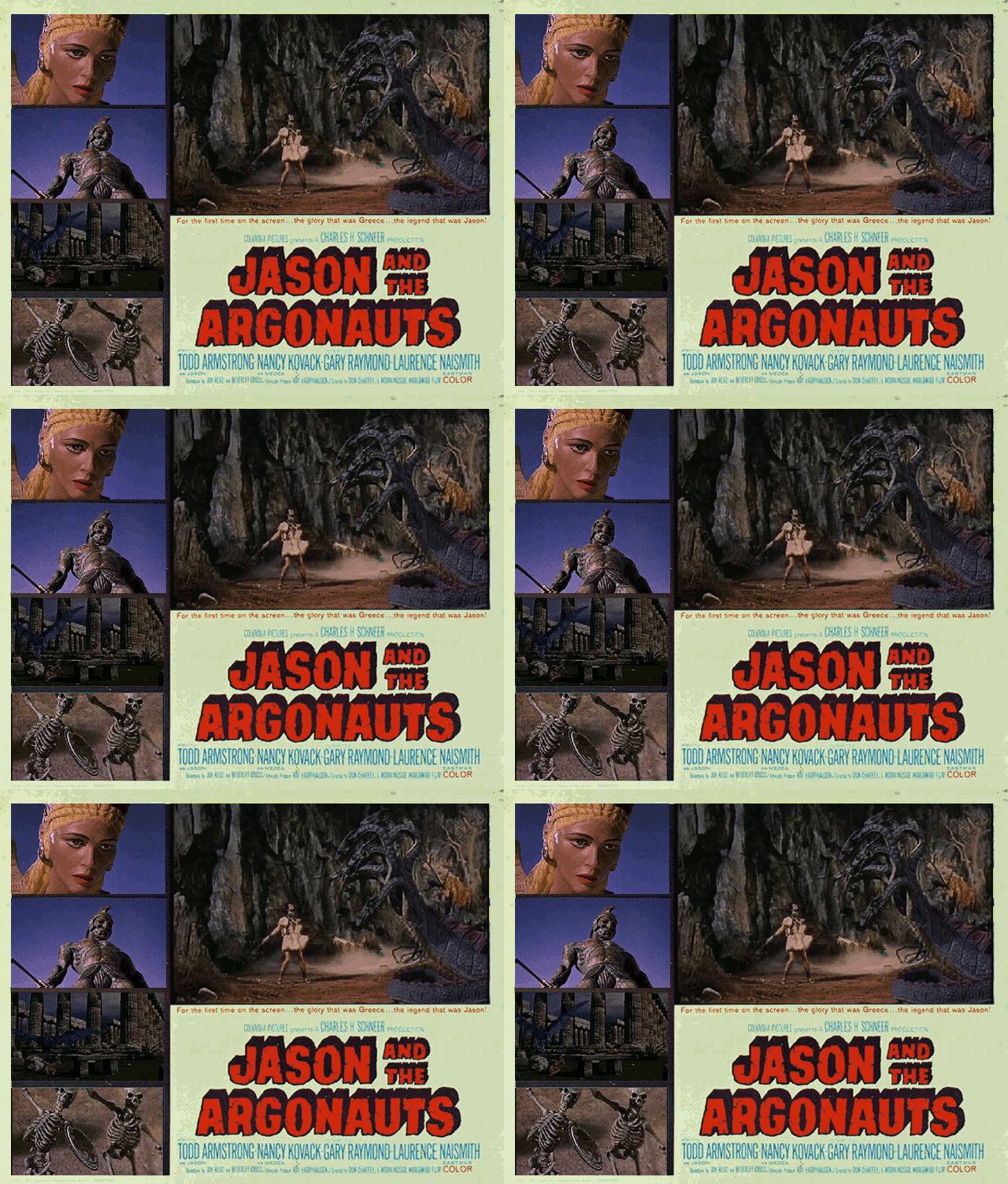
After seeing this cool variant of the movie poster from the 1960s I thought, “Why not try it, I already made five animated GIFs from that film.” So in the spirit of reuse I grabbed all my animated gifs for that film, added them as layers onto the original poster and started locking and moving the layers to the pre-determined spaces. The layer scaling tool let me make the areas match precisely, and once I had all the images matched I exported the whole thing as a GIF. What I realized was that the images animated according to a consecutive layer logic in relationship to when I had added them. So each layer animated after another, rather than independently. I attempted to merge the layers, but all my GIFs didn’t have the same number of layers, and I had spent a ton of time on this already. What’s more, GIMP provides no simple way to merge more than two layers, which is a great handicap time wise.
So, to finish off version 1.0 I replaced the original background image so that each of the animations would remain consistent with the animated GIF layers I put on top of them, essentially erasing the original images from the poster that showed up in my first version every time the GIF re-animates. As you can see the experiment was only half-way successful, I was trying to get each of the layers to animate independently, but now realize each has to have the same number of layers and they need to be merged. In the next iteration of this poster I’m gonna try and make that happen. Although I am sorry to say I may need Photoshop for this if it let’s you merge multiple layers quickly and easily, unlike GIMP. If you have any suggestions or advice I am all ears.