
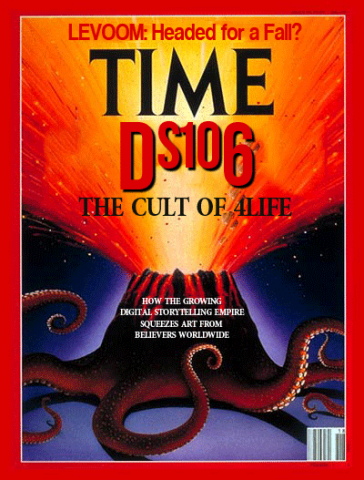
Image Credit: John Johnston
Back in March Tim and I went to the IndieWebCamp at MIT. Part of the two-day event consists of proposing something to build and hoping others are interested in participating. During lunch on the first day Tim threw out the idea of building a Tilde Club based on the work Paul Ford did last year. I loved the idea, and a few other folks were mildly interested for the nostalgia of it all. Tim spent about an hour showing us how to spin up a server on Amazon Web Services (AWS) to get a tilde club going. There’s an excellent tutorial for doing just this on the Tilde Club Github account. It’s a fairly low-bar project for experimenting with spinning up a server on AWS if you’re interested.
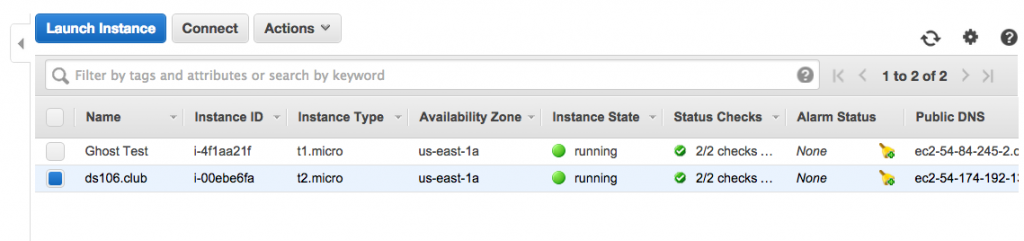
AWS Instance of ds106.club
Once Tim took us through the process, I spent most of the rest of that afternoon creating ds106.club on my AWS account. I used the extension .club because I couldn’t get the top-level extension .cult 🙂 Once I setup the server and actually figured out how to create users and give them permissions, I made a call out on Twitter offering anyone interested an invite. And, as is often the case with ds106 folks, more than a few were keenly interested in experimenting. Tim got his web ring up and running quickly. Dr. Oblivion was game for the new flesh. Bertha Curtis came to terms with the fact she is living in Oblivion. Tom Woodward shared that odd sensation. Grant Potter offered some ASCI art to the cause. And what do you know, A is for Audrey and Anarchist. But that’s just a sampling, find more here.
It was meant as something both fun and experimental in a retro sort of way. We had no real plan, and it was a fun project to try and wrap my had around some basic linux commands and dusting off my command line. Additionally, it was a trip back to some of the early processes that helped me wrap my head around the web: creating and editing HTML files, FTPing files and images, and navigating server directories and file structures.
Soon after I got ds106.club up and running John Johnston was all over it, adding some impressive elements. He built a site filled with resources, shared a video he created on tilde basics, collected all the GIFs, laid out all the thumbs, and listed all the sites. Unlike me, John actually knows what he’s doing. I have to say he’s really embodied the spirit of creative hacking for me over these last few years. His amazing supercuts for wire106, his brilliant GIF Fight entries, his dazzling ds106GIFtv, and the sheer volume and brilliance of his Prisoner106 work—and that’s just a sampling. Out of curiosity I just wanted to see how much John has contributed to this community. A quick search showed 248 syndicated posts on ds106.us dating back to June 5th, 2011. Thanks pretty freaking amazing! You call it a cult, I call it downright inspiring!
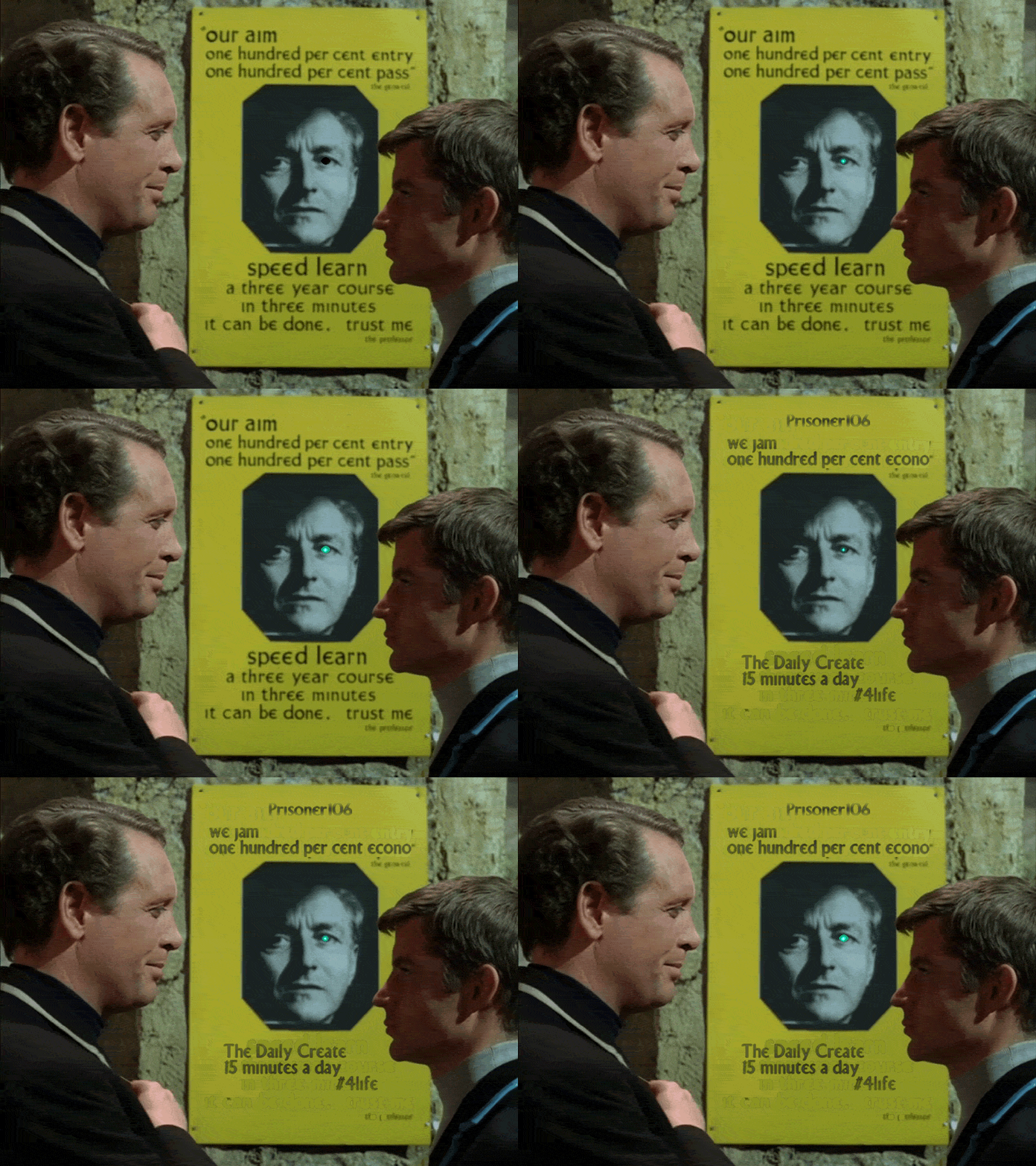
And seems to me John might be up to something with the Village Web Club. Seems there has been some recent Prisoner106 sightings on the server.
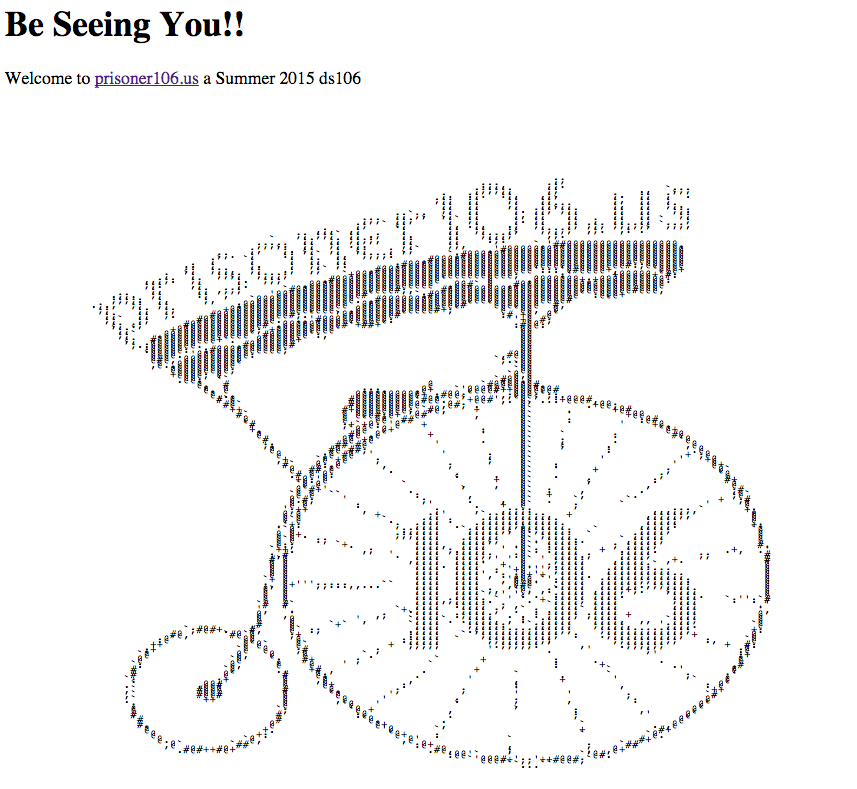
I just love his idea of introducing this space as one folks who are creating on the web and pushing to teach themselves new things within a focused community might explore together. It’s fun, it’s personable, it’s focused, and it’s educational! If that’s a cult, I don’t want to be a rugged web individualist! I am a number. Number #1064life.
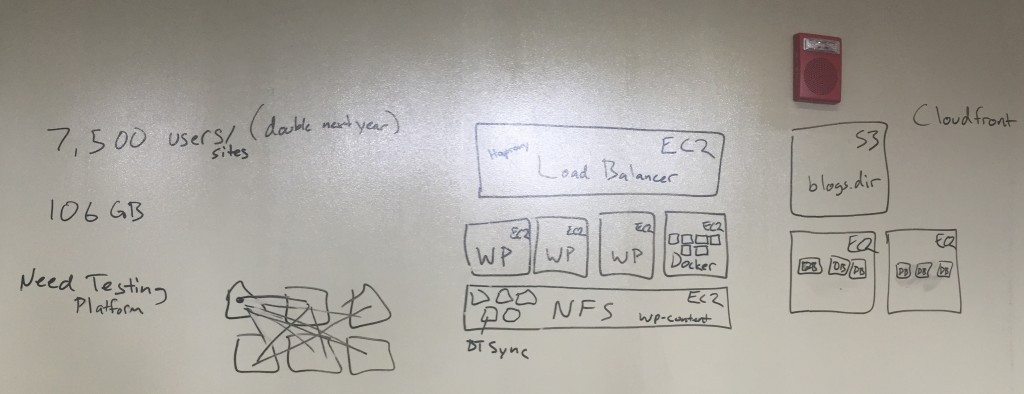
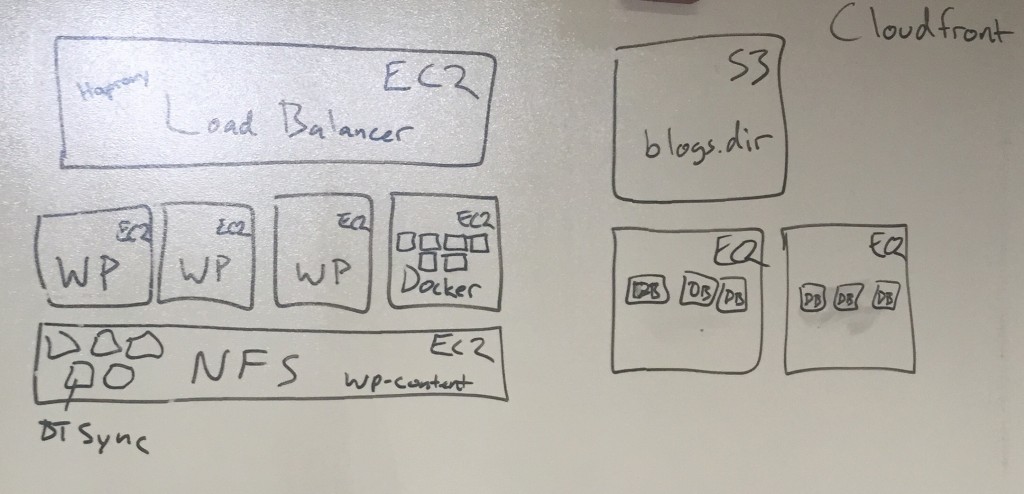
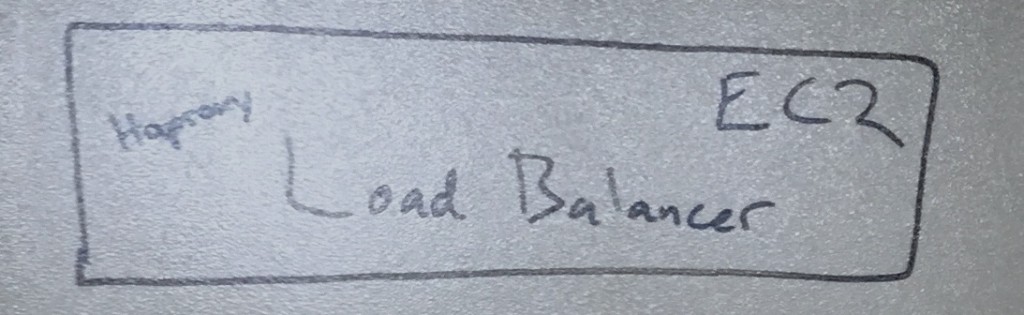
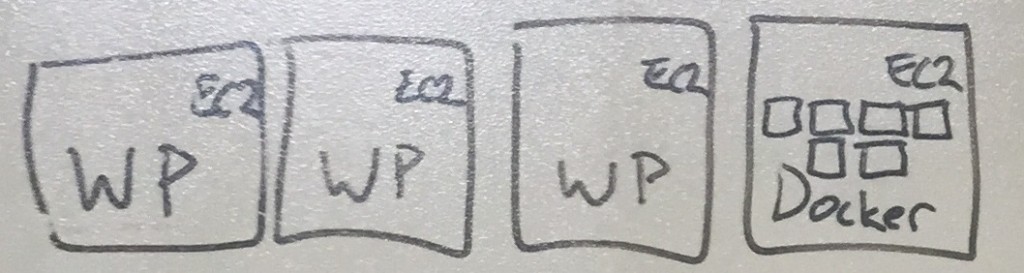
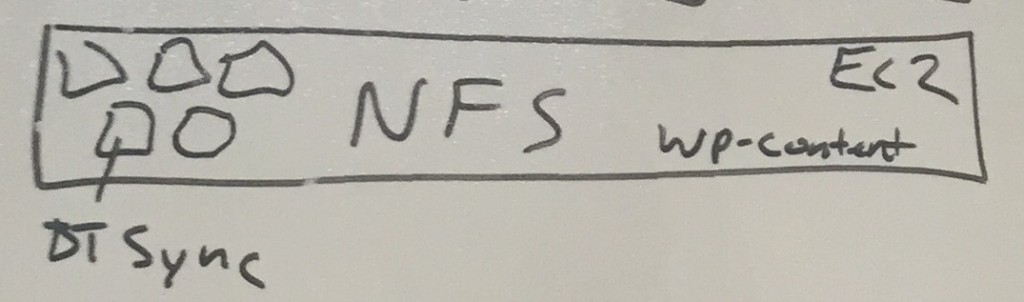
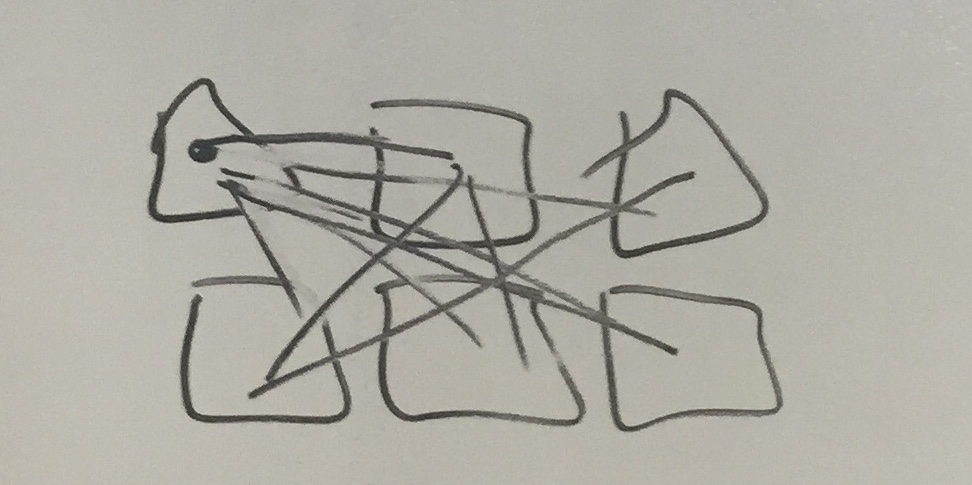
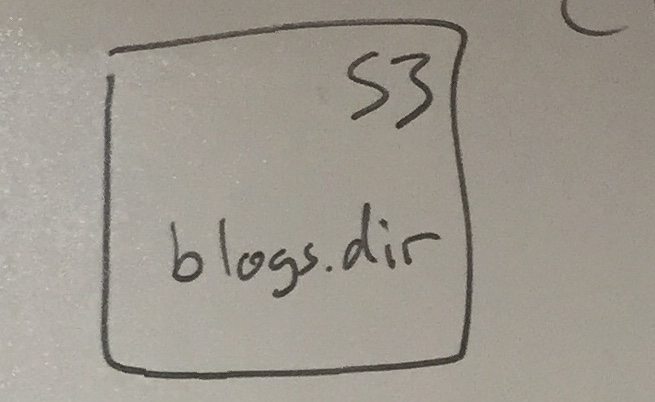
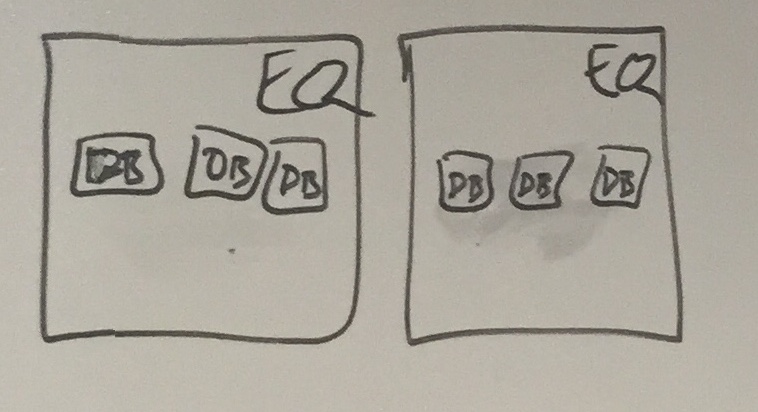 I have no idea if this makes sense, and I would really love any feedback from anyone who knows what they are talking about because I’m admittedly writing this to try and understand it. Regardless, it was pretty awesome hearing Tim lay it out because it certainly provides a pretty impressive solution to running large, resource intensive WordPress Multisite instance.










List Remote Comments
I already blogged about Mark Luetke‘s awesome Motherblogs Made Easy plugin, and I promised there was more. Well, here’s more. Martha Burtis already experimented with Mark’s List Remote Comments plugin on the aggregator blog she is working on for Freshman Seminar she will be teaching (along with several other UMW faculty) titled Beyond the Selfie. It’s very slick, it basically takes the comment author, post title, time and day, and links that right beneath a post excerpt.
In fact, Mark is building on top of the Remote Comments plugin that Martha wrote a while back which shows the number of comments on a syndicated post. Mark took that code and actually pulled some meta data and a link to those comments right into the post. All of which makes the syndication hub that much slicker.
I wanted to try this out for myself, and Martha was kind enough to share the bit of code she used as part of a custom WordPress function for Beyond the Selfie, which I added to functions.php of the theme for the gorgeous Prisoner 106 site designed by Andrew Forgrave. This is a syndicated motherblog using FeedWordPress, so having the remote comments show up on the aggregator of the various syndicated posts is most useful for folks who want to see what’s happening at a glance. I failed to mention that both Mark’s and Martha’s plugins depend on FeedWordPress to work.
For Prisoner 106, I tried using both Martha’s and Marks’s plugin to show the number of comments on a remote post as well as providing a list of links to those comments beneath the posts. Pretty cool mashup of the two.
For Martha’s plugin you don’t need to change anything, it works seamlessly if FeedWordPress is installed and pulling in remote posts with comments. For Mark’s plugin you need to add the following bit of code
list_remote_comments()to the theme template file to make the comments show up within the blogs flow of posts. You can also use the shortcode[list-remote-comments]in conjunction with the Display Posts Shortcode,but that was too much work for my internet ADD