This summer as you walk through the halls of the Graduate Center first-floor main lobby and Library, you will notice images of circles as globes and buttons, women’s bodies, comic strips, hands massaging the earth, and bold font type with the repeated word: Lesbian.
You’re welcome.
The Graduate Center Library presents Graphic Activism,an exhibit of original activist posters and zine inserts 1980 – 2010 from the Lesbian Herstory Archives graphics collection. The exhibit was curated and conceptualized months ago, fully supported by its GC co-sponsor, CLAGS: The Center for LGBTQ Studies. The installation began the first week of June, and with it we claim solidarity with the Pulse Orlando community and other queer spaces that have too often, tragically, come under violent attack. The images serve as herstorical reminders marking decades of community-building and activism.
A graphic herstory of the long struggle for equality and justice is an important reminder right now, and kudos to Cruz-Smith for framing the experience so brilliantly in this post. My only hope is that some of the artifacts and resources get curated and shared somewhere online at the Commons for those of us that are geographically challenged. I’m aware there may be permissions and copyright concerns, but even a link round-up to existing resources online would be awesome. But then again, why ask of others what you can do yourself? I can search and embed images here, can’t I? I was particularly interested in the resources listed in this paragraph:
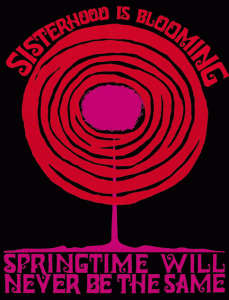
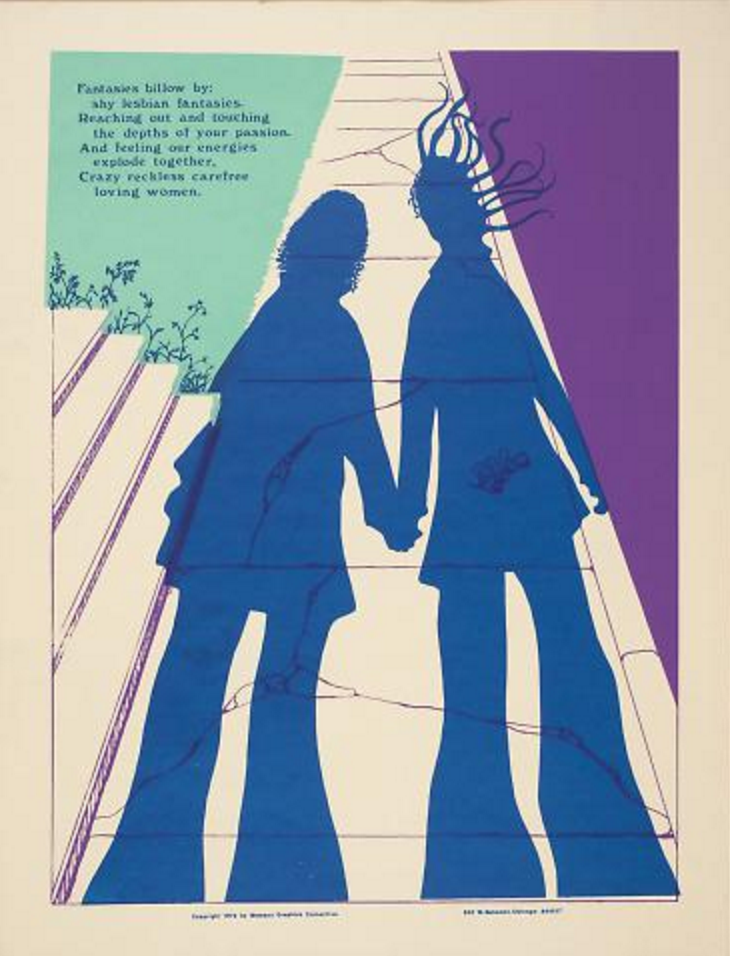
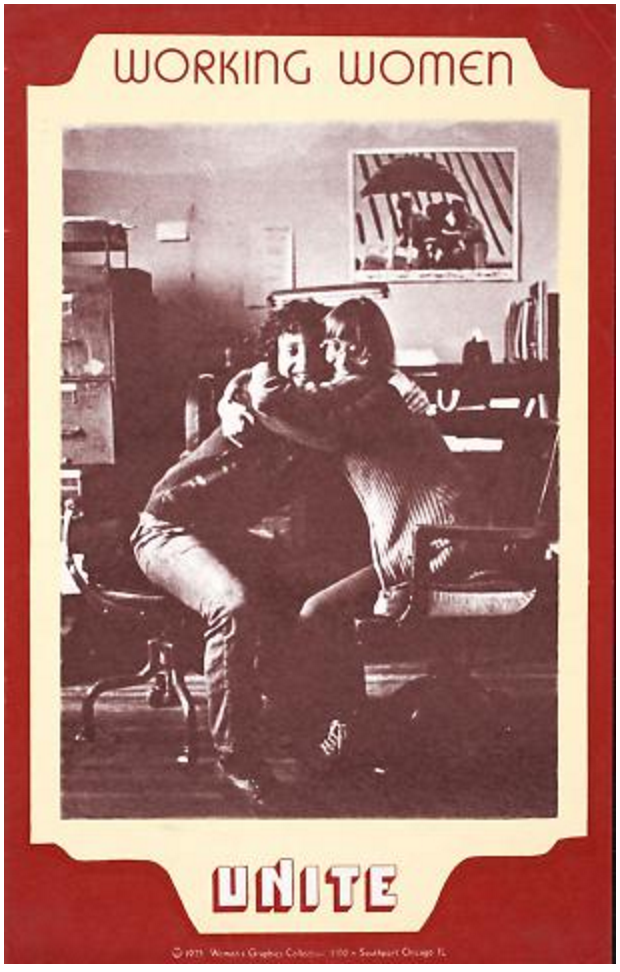
The 1970s screen prints of the Chicago-based Women’s Graphic Collective proclaim “Sisterhood is Powerful” and imprint a call to “Spinsters Crones Hags Sisters,” on the Amazon labrys.
Dia Internacional De La Mujer: International Women’s Day (c. 1975)
I also want to learn more about the Zines by Shawn(ta) Smith-Cruz and Sherley Olopherne which detail “decade by decade LHA subject files by and about Black Lesbians,” but came up short online. Maybe I can get some folks at the Grad Center to take some pictures and share them on Twitter, in the comments here, or even on the Lesbian Herstory Archives Facebook page. There I go putting everyone else to work again. Anyway, I can also do some more digging myself because there is no substitute for a compelling blog post to send me down the rabbit hole!
In an ongoing effort to chronicle all the OER16 goodness, I wanted to point to this 20 minute conversation I had with Ammie Scott and John Johnston for Radio Edutalk. I just re-listened to the audio because it had been almost two months since we chatted and I was kinda foggy on the details.
I was pleasantly surprised to discover it was a fairly focused and cogent discussion around issues such as open educational infrastructure, personal archiving, and the tensions between ease-of-use and critically interrogating the digital space we inhabit. In those terms, we spent some time discussing SPLOTs versus managing one’s own domain and web hosting.
The conversation then moved into the broader questions around personal archiving—a space I continue to be fascinated with. The notion that no one will care more about your digital footprint than you, and the importance of thinking about we begin to start approaching the management and preservation of these digital lifebits. This led to questions around what Ammie noted were the “limits of the archive,” the idea that there are things you don’t want to keep and that should also be a point of empowerment.
From there we talked about POSSE, or publishing on one’s own site and syndicating everywhere. In this context Known came up, and one of the ongoing issues with a distributed POSSE publishing platform like Known is the lack of an integrated reader for context. Why don’t publish to Twitter on Known? Simple, because I am not reading the tweets in Known, and I am too lazy to do twice the work. This led us back to where we started, which was kind of nice, the importance of balancing design and ease-of-use with distributed systems based on personal empowerment. And that was a wrap!
It was quite a fun conversation, and it tightly encapsulates many of the questions and concerns I want to spend much more of my time dealing with in the foreseeable future.
So, I did a couple of Daily Creates yesterday and today, and wham just like that I feel like I stepped through a portal that brought me back to the generative internet of people and things. It’s amazing how far just a little bit goes when it comes to ds106. Anyway, I digress, the point of this post is that more than just a bitching t-short for the bava, thanks to Paul Bond I know have a snazzy new GIF and 13 rotating header images.
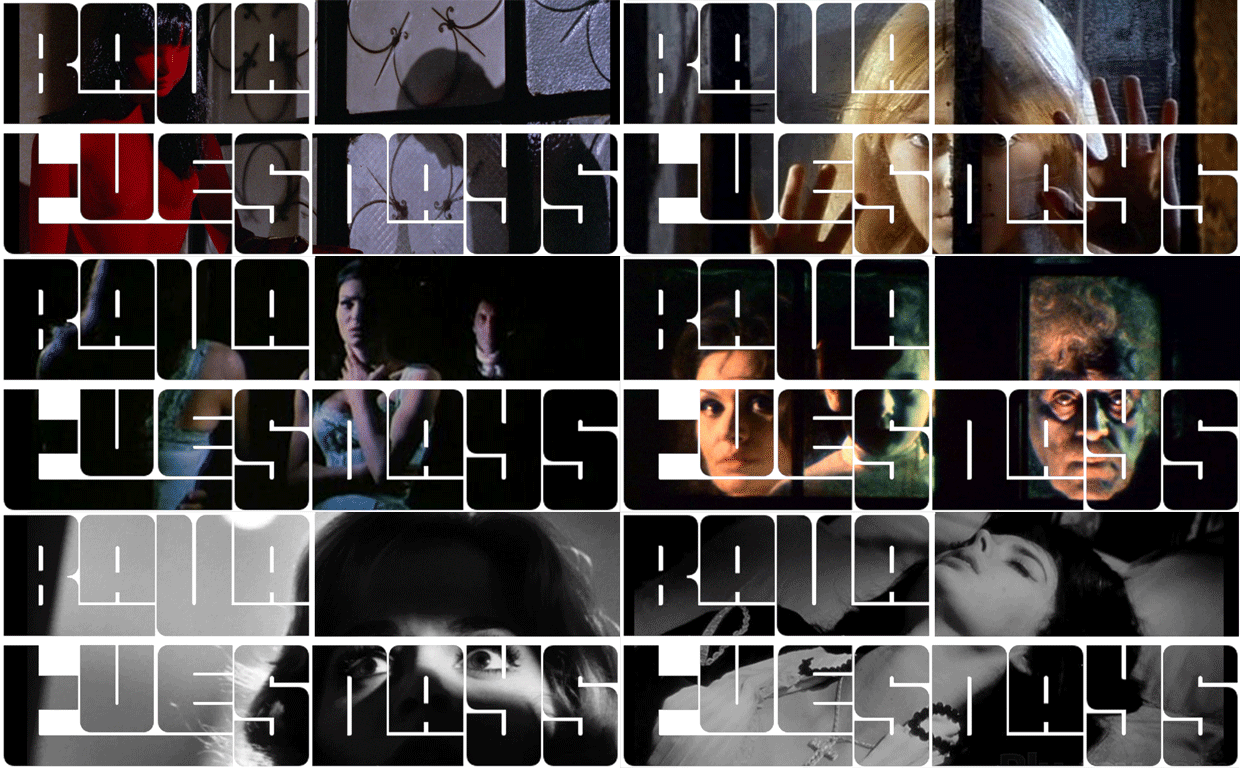
Paul embodies the riffing spirit of ds106, and after I was playing with the bavatuesdays band t-shirt logo, he decided to take it to the next level and create a GIF featuring a slideshow of shots from Mario Bava’s oeuvre. It’s pretty awesome, and a few of those images have been headers on the bava in year’s past, so I asked if he might be able to transforming the above font and images into a series of header images. And lo and behold, I have a brand new masthead for the b-est of blogs. Gotta keep up with the Cogdogblogsess recent rebranding effort!
So, this blog is now sporting a shorter, more streamlined series of lucky 13 headers featuring scenes from a wide variety of Mario Bava films. I couldn’t be happier with the new look, and I owe it all to a man named Bond, Paul Bond!
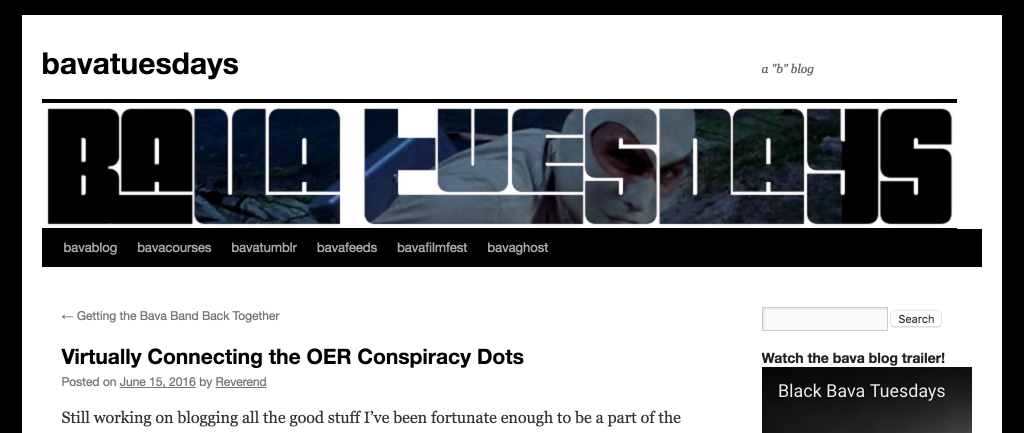
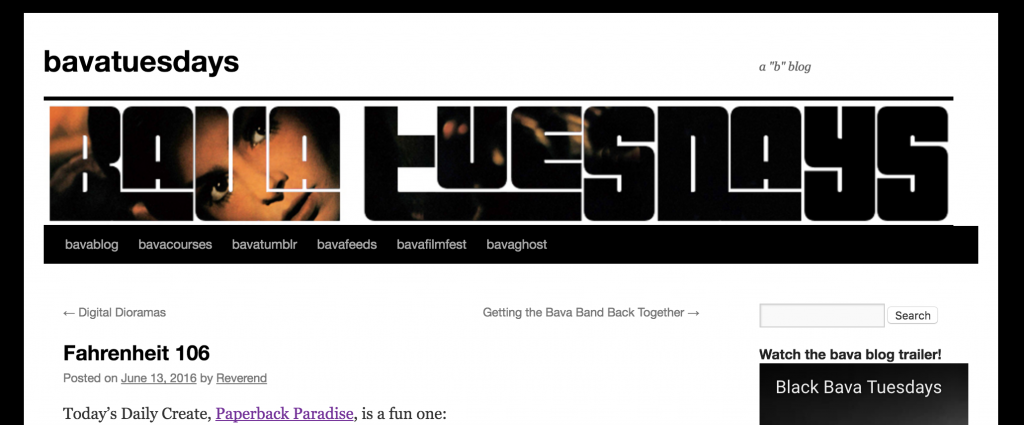
I just love the way the shots intermingle with the the letter outlines to create a set of font-like panels of Bava’s genius.
I also like the way Paul selected certain shots that highlight Bava’s amazing use of color and darkness all at once, the above header captures that perfectly.
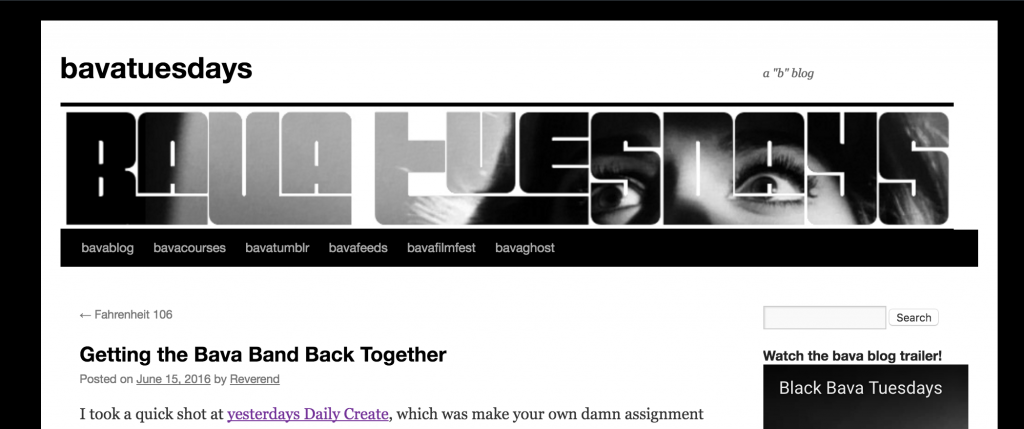
And the very first header on the bava was the above shot from The Girl Who Knew Too Much with the fright-filled eyes, screaming inside, “WHAT WILL HE WRITE ABOUT NEXT!!!” As more the web changes, the more I keep it the same. Thanks Paul, as Talky Tina would say, “You are a True Friend!” 🙂
Still working on blogging all the good stuff I’ve been fortunate enough to be a part of the last two months. At the same time, I’m also hoping it’s one small way to counteract the feelings of hopelessness in the aftermath of the horrific events of this past weekend. Avanti.
Anyway, in this post I wanted blog a bit about the Virtually Connecting session at OER16, and I’ll try to follow-up in separate posts on the Edutalk and Transferstelle für OER discussions. The Virtually Connecting hangout was attended by a wide-range of great folks from all over the world, namely Dimitris Tzouris, Susan Adams, Jamison Miller, Laura Gibbs, Lisa Hammershaimb, Nadinne Aboulgmad, Maha Abdelmoneim, and Helen DeWaard, and while cut a bit short on-site due to conference demands, it was a great discussion—as Virtually Connecting sessions usually are (this was my second, my first was at dLRN15 and I would soon after OER16 be part of a third session in Rome just three weeks later).
During this discussion I think I actually communicated my unease with the OER movement in the US better than I was able to in my talk the following day. I’m still working through my general discomfort, but one of the anecdotes I relate in this session still haunts me. While talking about OER as political policy in the US with Nicole Allen, one of the players in the field, she noted that OERs as cost savings for students (namely in the form of free textbooks) is increasingly appealing to politicians. But rather than a
Specifically, this argument for OER is appealing to conservatives—in fact the more fringe politicians like Cruz and Trump are more interested than having this discussion than moderate conservatives, and far more interested than Democrats. This is interesting, right? Is it that the idea of OER is bi-partisan? This is an issue that crosses political parties? Well, yes and no. Yes that I imagine both parties want to been perceived as supportive of saving students and families money, but its interesting to me that the more extreme conservative parties would would be more receptive to this push. I had my own brief encounter with a conservative Virginia state senator Bryce E. Reeves while working at DTLT. We had the opportunity to sit down with Senator Reeves and discuss the work we were doing at UMW. He listened attentively, he even proclaimed at one point in his Texas drawl, “You’re like the GODADDY of EDU!” Kinda, sorta. But at the end of the conversation it was apparent he was interested in saving students money, and textbooks were what folks in Richmond were talking about. This is 2014 or so, and for at least some politicians it seemed the line connecting cheap or free textbooks and educational innovation had already been drawn. But it wasn’t about innovation at all, it was about telling voters you were saving them money. Which isn’t terrible, right?
I guess, but what concerns me is at the same time as these money saving proclamations are being made we’re seeing state funding of public higher education at an all time low across the board in the U.S. I can’t help but feel that politically OER are being used as leverage to make the case that politicians are funding higher ed by making it more affordable for struggling students while at the same time cutting funding for public institutions. A political slight of hand, and the fact it’s far more attractive to conservatives than liberals makes me even more nervous, although liberal as a viable term in American party politics seems dubious these days.
So, does the push for OER in the form of a cost saving argument for textbooks feed this bait and switch? I understand the response from those pushing hard on the OER textbook revolution will point out I’m conflating two separate issues, the defunding of public higher ed and textbook costs. And the idea of making a difference where and how you can is crucial, I understand this. But, if statewide OER movements are being used by politicians to say they’re funding higher ed in the form of cheaper textbooks, then how do we account for the concomitant cuts? Is it saving anyone anything in the long run?
What’s more, if the OER movement in its current incarnation of open textbooks is short-lived, that is arguably money redirected from funding institutional, state-funded higher ed to state-wide textbook initiatives. Redirecting funds to such temporary initiatives may be attractive to some, but when the OER initiatives are done that money may not find its way back to Higher Ed. Admittedly I’m a bit out of my depth here because state funding is complex and particular all at once. But it just struck me that senator Reeves would see OER as a good option. Why? Because if you can say you saved folks money while at the same time reducing funding to education, that’s a “win win.” That may seem a leap, but there is really no conspiracy here, funding for HE is not making a comeback anytime soon, so statewide OER funding seems to be a way to counter those arguments for a fraction of the cost of actually funding education. Am I wrong? Or am I just an asshole, Walter?
But I think what gets me most is that I’m not sure textbooks are all that good for the future of higher ed. The gateway drug argument for open doesn’t convince me at all. They not only seem horribly retrograde and unimaginative, but they reinforce a content/coverage mentality of education that continually makes me wonder why we can’t help but remediate the web for the book. I’m not entirely sure how open textbooks are anything like a step forward beyond simply having one (which is no guarantee it will be used). OER still has a use, re-use, and re-mix problem given the amount invested there are real questions around whether OER is being widely used—is it? So, in that regard, tying OER to courses and making sure everyone gets free resources certainly helps solve part of this, but it also ties courses to a specific text(s) that in many ways can become the standardization of the course experience, and a model for the casualization of the higher ed workforce, but that is a whole different conspiracy:)
Anyway, that is my path to the great OER Conspiracy undergirding the conservative dismantling of higher ed. Like EDUPUNK and MOOCs, I would hate to see OER be the latest installment in a long line of useful idiots for cutting, gutting, and redirecting higher ed funding. That said, I could also be wrong, and that’s why God created comments.
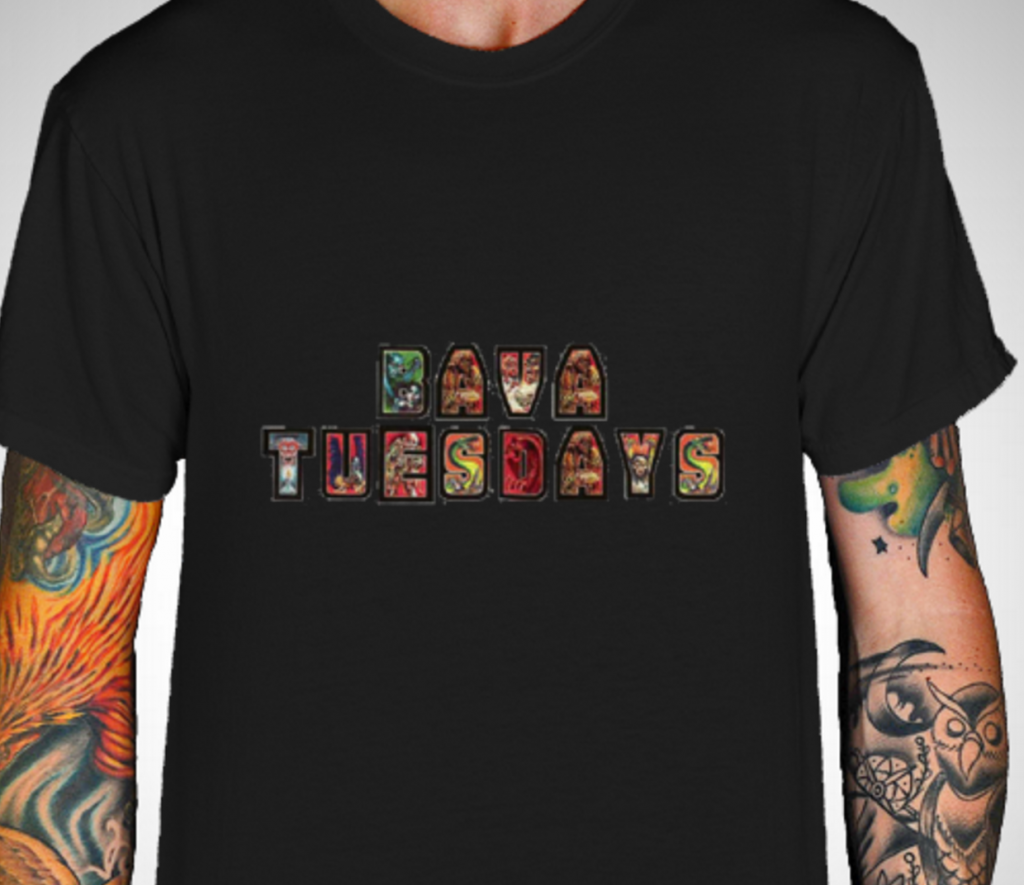
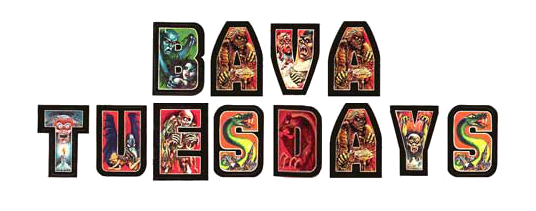
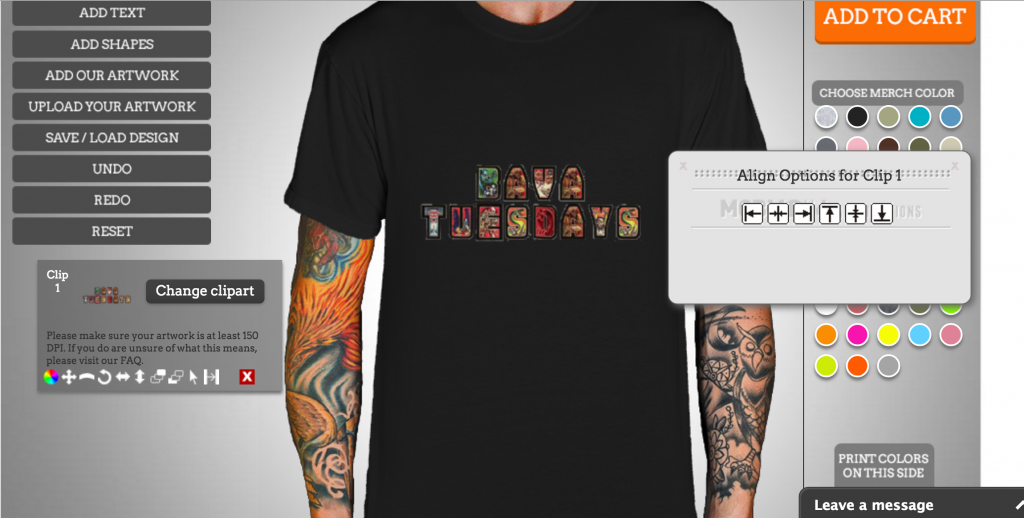
The resolution and detail there is pretty bad, but I actually used a t-shirt generator site rather than GIMP or Photoshop for this one—although I did use GIMP at one point. I’ve played with the idea of using t-shirts for assignments in the Harboiled course I taught with Paul Bond many years ago, and I like the idea of hijacking an e-commerce site for art. Students were asked to use shirt generator sites like cafepress or zazzle to do the assignment. For this one I found My Custom Band Merch, and gave that a whirl. But before I go into that, I needed a design and I had an idea. Many, many years ago I think boing boing linked to a monster letter generator, but I can’t find the original. Anyway, I created a bavatuesdays lettering filled with cool monsters many a year ago and figured that would be a perfect band shirt aesthetic:
Now, I needed to get this onto a black shirt because any self-respecting bava band would use a metal-band inspired black shirt, I mean black shirts rule! In fact, the grandaddy of Metal bands, Black Sabbath, took their name after a 1963 Mario Bava movie titled, you guessed it, Black Sabbath. The things you learn on the bava. Anyway, the lettering was perfect, but it was a JPG which means it carried a white background, and that will not do. So I opened it up in GIMP and used the magic wand tool to select the white area and then used the Select–>Inverse tool to select the letters and cut them out. I then created a new image with a transparent background and pasted the lettering in. From there I exported it as a PNG to preserve the transparent background. Tricks of the trade!
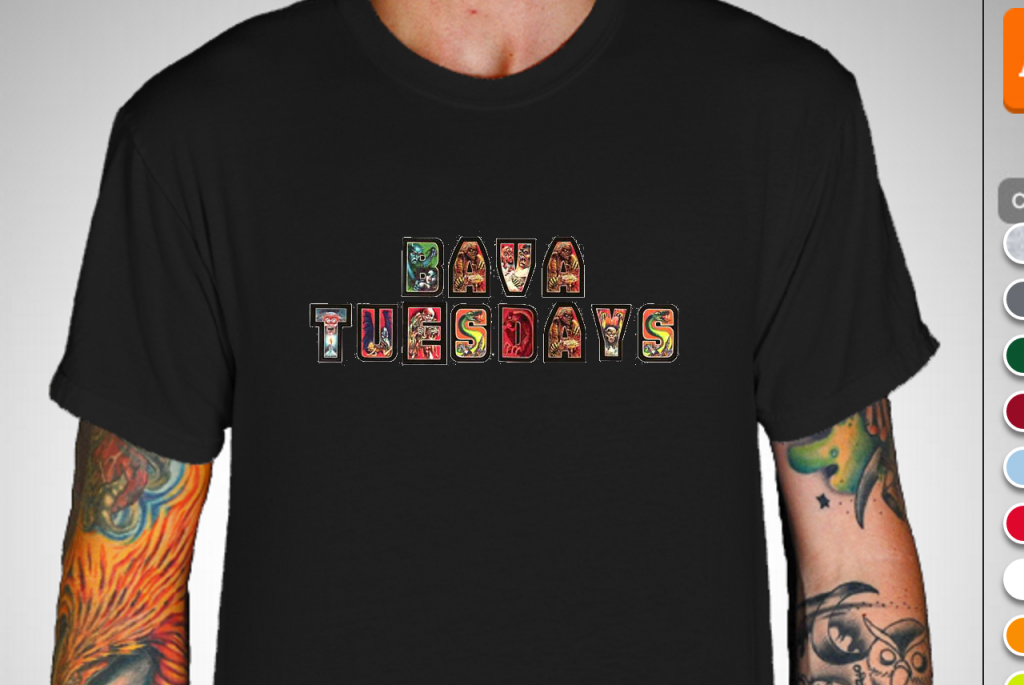
Now I was ready to upload that image onto the simple canvas My Custom Band Merch provided. I did as much and I got a fairly bad resolution version of the lettering. This was good enough for the Daily Create, I got my point across, figured out the inverse select trick, and was able to Tweet it out in no time at all. And for me that is a successful Daily Create: you have some fun and pick up a trick or two in a tool like GIMP. But, I can never leave a good thing alone, I have to keep pushing. I had the transparent, decent resolution version of the lettering, so I gave the shirt another go, but this time in GIMP. As you can see, the resolution is much better, and it might highlight why an editing tool is probably a better choice for the final version I’ll be selling on this site sometime soon 🙂
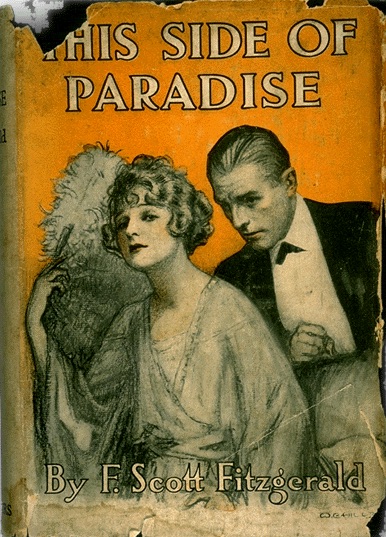
Search the web for an old paperback cover and use that as starting point for a new cover. Sure you can use this one, but that makes it easy…
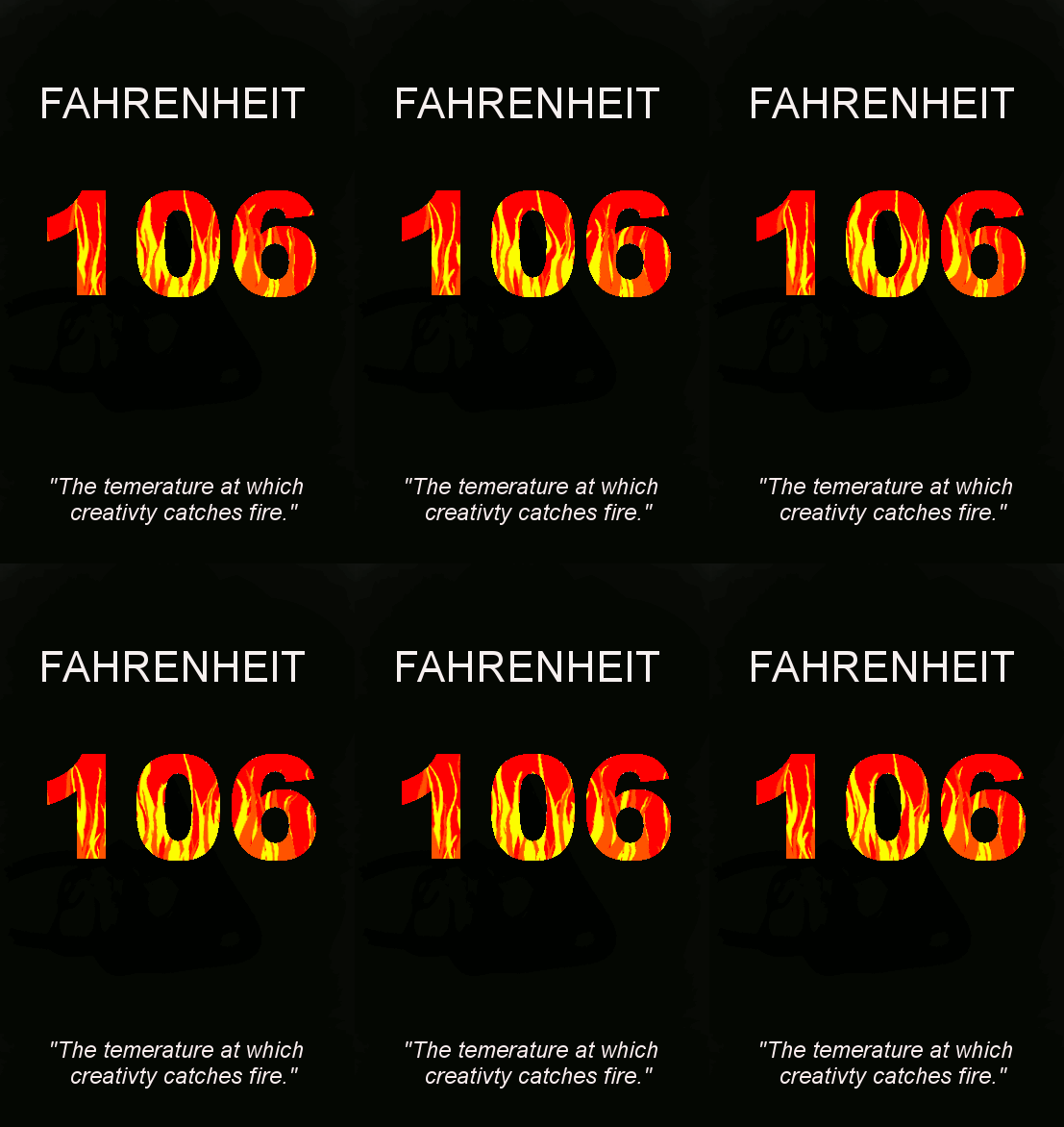
I was immediately taken with this one because I love design assignments. I promised myself this was going to be a “quick daily create”—I emerged a couple of hours later with an imperfect product, but something I’m proud of warts and all. I call it “Fahrenheit 106: the temperature at which misspelling occurs” 🙂
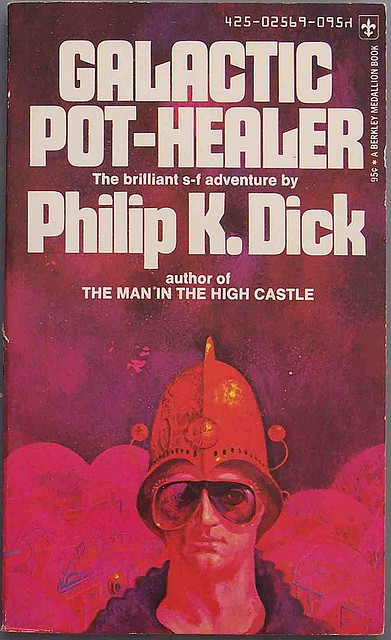
My process, it started with me searching for scifi book covers which is very fun. I have been taken with the 70s Scifi Art tumblr the last several months, and they have shared the occasion 70s book cover art.
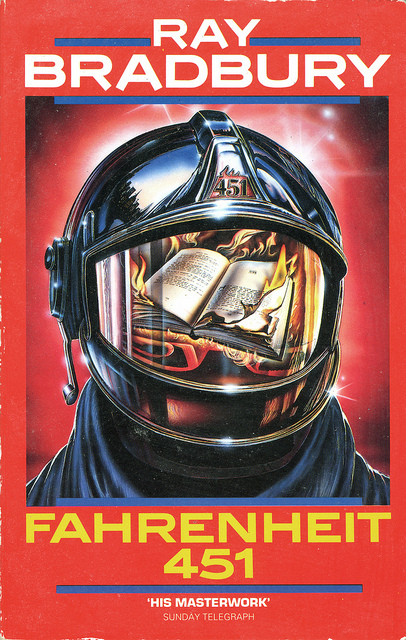
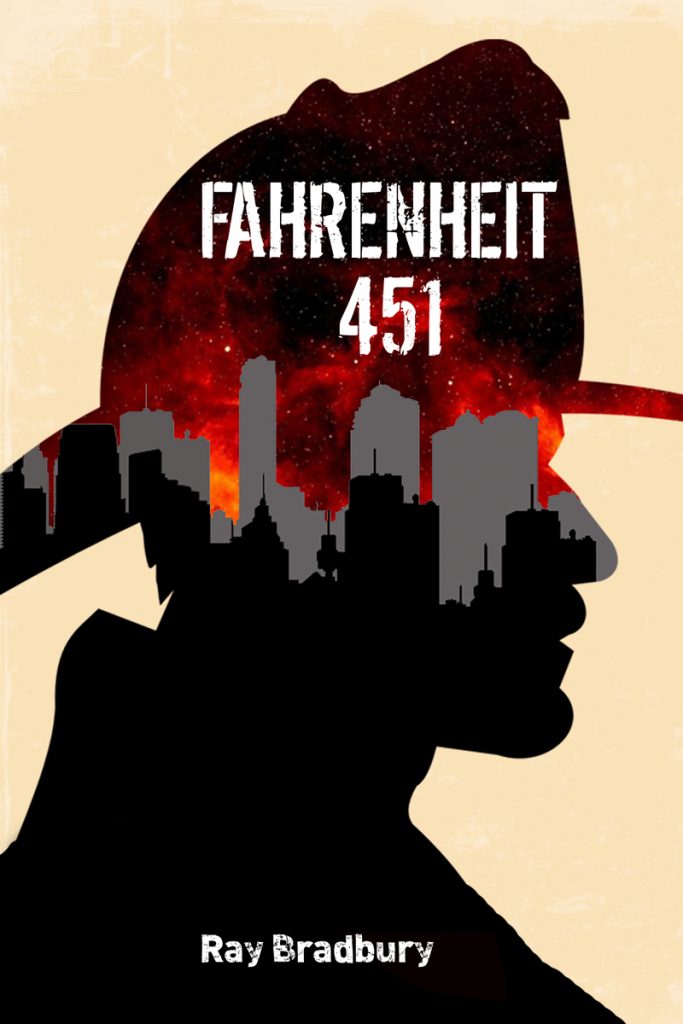
This led me down a rabbit hole of some cool stuff, one of which was a cover for Ray Bradbury’s Fahrenheit 451.
That’s the image that gave me the idea for Fahrenheit 106, but I knew I couldn’t photoshop this convincingly the way I wanted to. I needed something simpler, so I kept on searching. I then found this image with a ton of Fahrenheit 451 covers, which provided the next bit of inspiration:
If you look closely in the bottom-left quadrant you’ll see the image that inspired my quick cover: a straight-up black cover with colored flames for the numbers. I thought that is cool and easy, a little minimalist book cover design for some OG ds106. I then thought about animating the flames, thanks to the following Fahrenheit 451 cover that just begged for animation (I would love to animate that night sky with a shooting star):
But part of me wanted to use this Donkey Kong-esque flame. But that wasn’t working too well So, I had my animation, so after that I created a 400 wide and 640 high canvas and added the text FAHRENHEIT (all in straight Arial text, I was rushing a bit at this point cause I was already an hour or so in) at the top of the canvas. I think filled the background in black, so I had my template. Now I added the numbers 106 in bold arial so I could cut them cleanly out of the canvas so the background would be transparent. Once I did that I imported the animated GIF as layers (“Open as layers”) and I duplicated the book cover template 15 times (that’s how many animation frames there were of the flames—one for each). I then copied one of the template layers with text and transparent 106 above each flame, and use the “Layers –> Merge Down” tool to have the template merge with the animation to give the 106 numbers the flame animation. You do this 15 times and you have a book cover GIF. I then wanted to add the blurb “the temperature at which creativity catches fire” for effect, which means I created the text element as a layer, positioned it, and then duplicated it 15 times as I did with the template and merged it onto each frame (this is some of the laborious work of GIMP!). After doing this I realized I misspelled temperature, which is no great surprise on this blog. And given I know this was a test (I want to go back and pick better fonts and play with it a bit more, I decided to cut my losses.
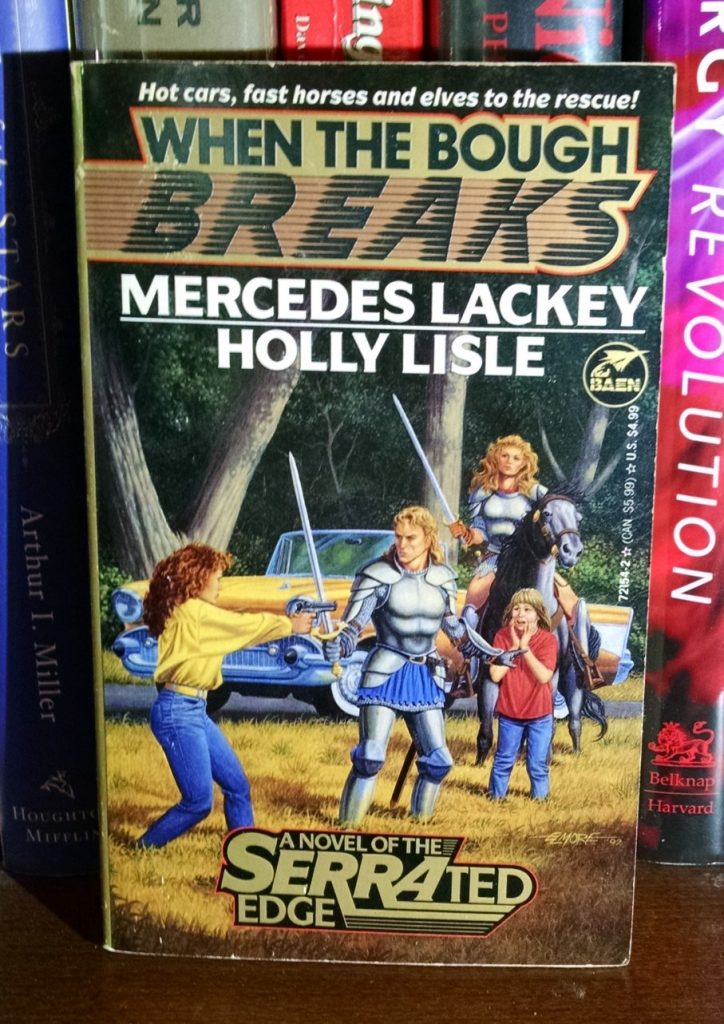
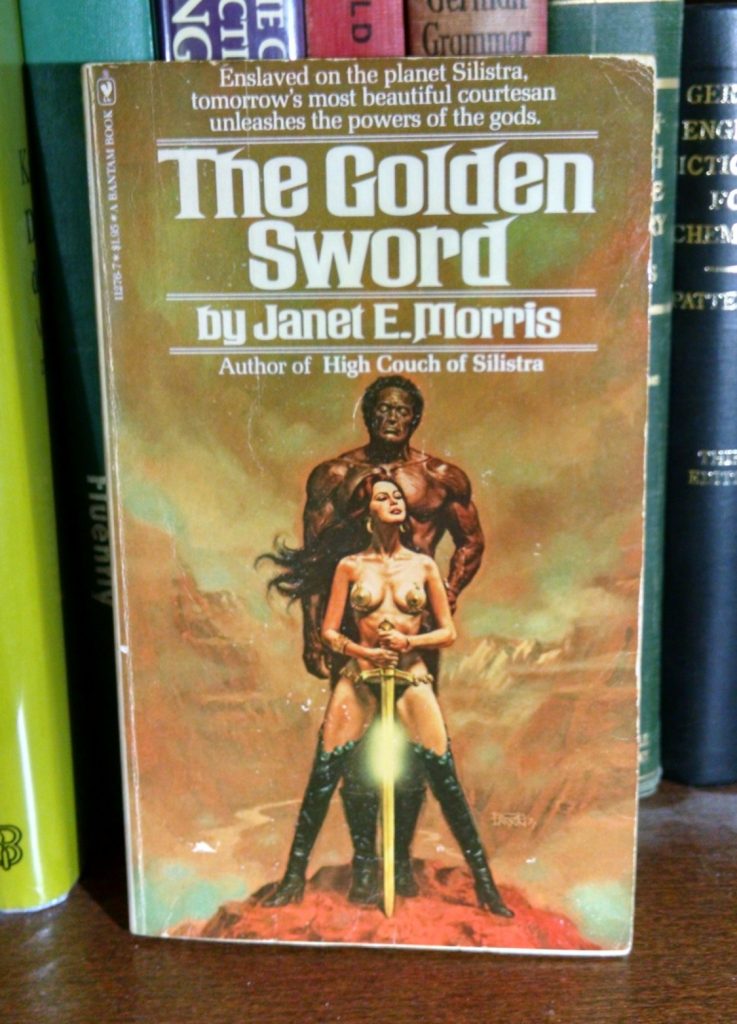
Once you get into one these projects, they are very, very fun. There is no better therapy. What’s more, it also gives you some purpose when searching the web, which often leads to serendipitous discoveries. For example, I came across this site titled Good Show Sir—a site dedicated to poking fun at crazy fantasy and scifi book covers, below is a quick sampling (captions are the Good Show Sirs commentary on image):
“Things get ugly arguing over a Renaissance Faire parking spot.”
“Best! Ting! Ever!”
And with that I wrap up the longest ds106 I have written in a very long while. I even re-downloaded GIMP and did a quick refresher on a few GIF masking tricks. I can thank/blame Scottlo’s “This Could Be Episode 002” for the inspiration—ds106 is #4life!
On Wednesday I was able to tune into the Decentralized Web Summit for a couple of hours thanks to the live stream. The event was hosted in the web’s chapel or, the Internet Archive. The video stream has all been archived, and you can access the entire proceedings from both days on YouTube—here’s a link to Day 1. I was really taken with Vint Cerf‘s talk “A Web that Archives Itself.” It’s start’s about 23 minutes in, and it’s worth the half hour if you are interested in archiving the web.
This is the first time I have heard Vint Cerf speak, and I was really impressed. He did a brilliant job explaining the principles of the internet and the web, and was equal parts specific, general, and clear. It was apparent he was intentionally avoiding overly technical language, while being careful not to over simplify. It was a masterclass in making a complex process like archiving the web comprehensible. I have to go back and watch more of his talks because his style has much teach anyone trying to make this stuff accessible.
There were a few points he touched on during his talk I found really compelling for the work I’m doing right now, and I wanted to get them down here before Dr. Oblivion takes over.
The DNS domain system as it is currently setup is broken, an idea Tim Berners Lee re-iterated in his talk directly followed Cerf’s. The idea of a lease-driven system folks pay for is responsible for much of the link rot and ephemeral nature of the web.* This is something I want to dig into deeper because I know Dan Gillmor has discussed the deep dysfunction of ICANN on a few occasions.
The idea that everyone should have a domain for life. This is a similar idea to Jon Udell’s seminal (at least for me) talk on “The Disruptive Nature of Technology” in 2007. Udell was not necessarily thinking in terms of a URL specifically there, but more of a hyper-secure repository that we control our digital life bits and use it as a hub to share access, etc.—a more “integrated domain” for one’s digital identity. That said the domain URL would be an important piece of this, and the idea that would be something everyone would get and have “for ever” from an archiving perspective is very compelling. You could still have vanity domains, but they would just be temporary aliases, not something that ever gets understood as the address (similar to the Digital Object Identifier system for published works). So, in short, we get a DOI-like identifier for our work that is also a URL that we can point various domain names at, etc, but always depends on a more permanent identifier.
The other idea I was taken by was how Cerf description of our current approach to web archiving as akin to creating a digital diorama: taking a two-dimensional snapshot, often by scraping sites. This is exactly what the Internet Archive has been doing for two decades, and more recently the Berkman Center’s tool/plugin Amber does this for individual WordPress and Drupal sites. These digital dioramas capture a moment in time on the web often void of deep context given how we have imagined domains registration, URLs, etc.
I understand there is no easy solution to these issues, and that might be why I love thinking about them. I’ve been approached a few times recently with questions about how someone could keep a site up on the web indefinitely after they leave this earthly realm. I have no good answer. Putting a copy on the Internet Archive would be a good first step, but in terms of guaranteeing any longevity beyond 5 or 10 years as a hosting company would be disingenuous, not to mention impossible. I know this can quickly become a strangely morbid topic, but what happens to my digital domain actually matters as much to me as what happens to my Smurf collection, comic books, laser discs, Twilight Zone dolls, etc.
___________________________
*To be fair, there are some who see the temporality of content on the web as a feature not a bug, and this can coincide with privacy, surveillance, the right to be forgotten, etc.
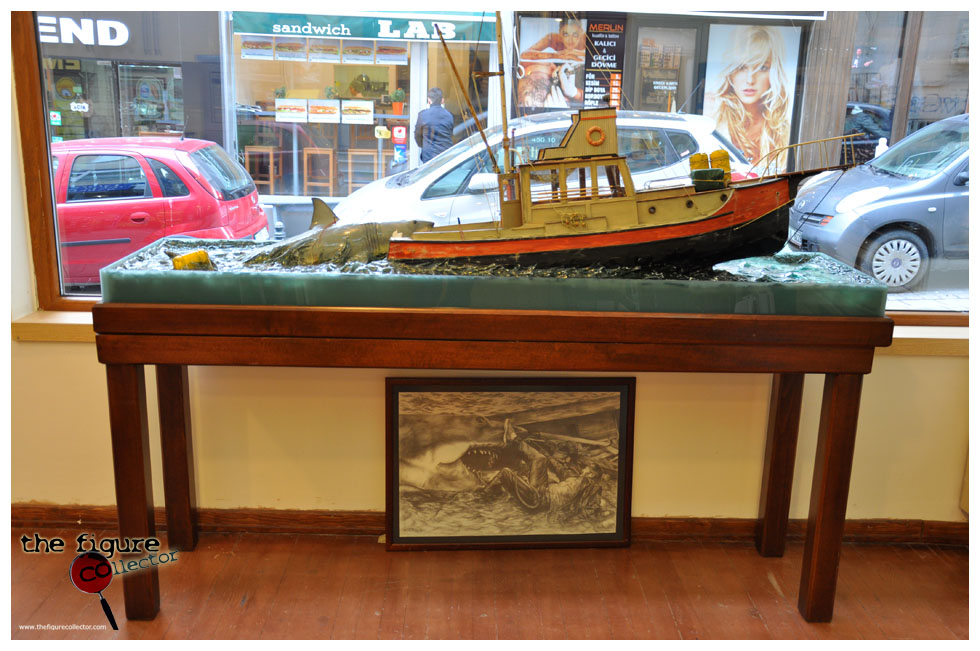
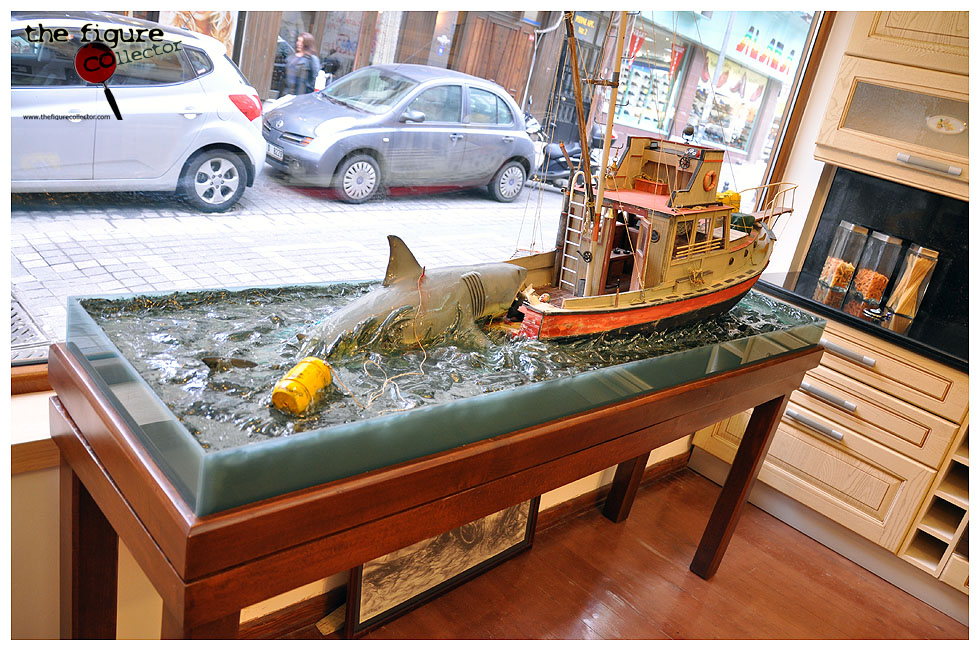
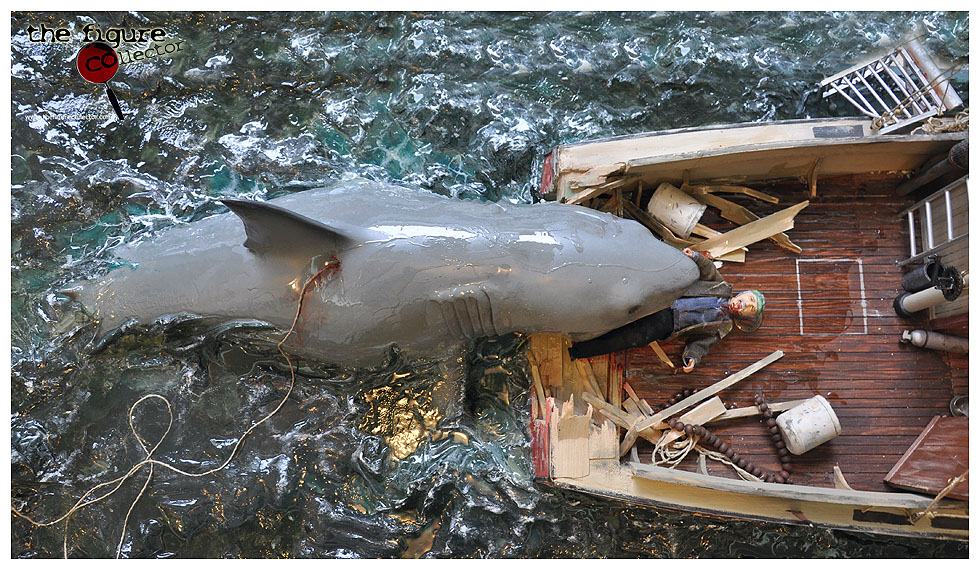
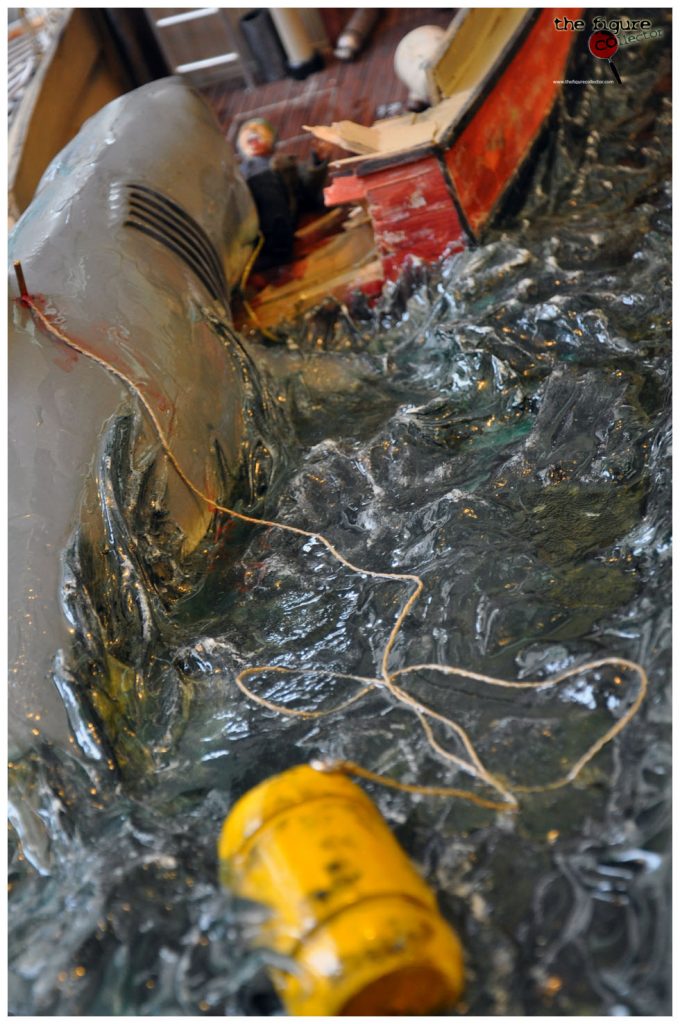
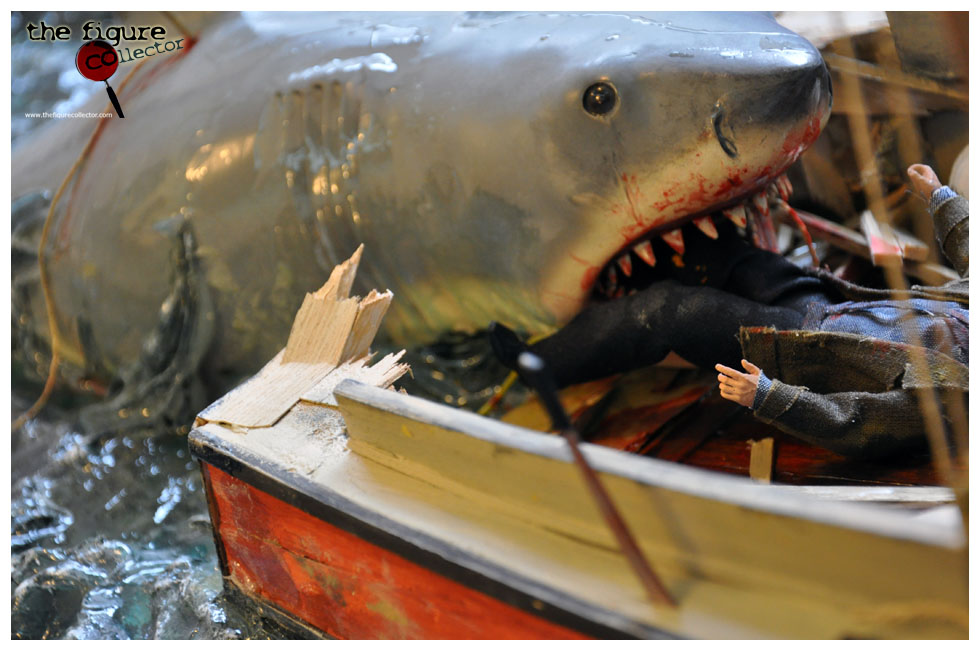
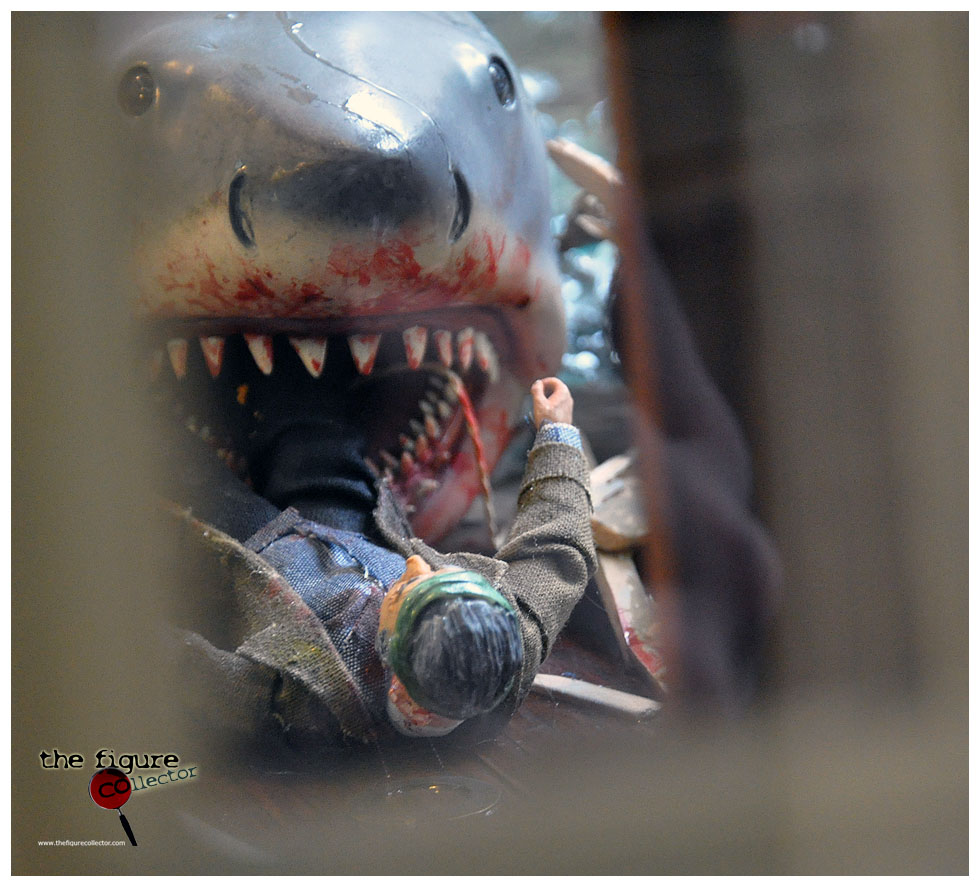
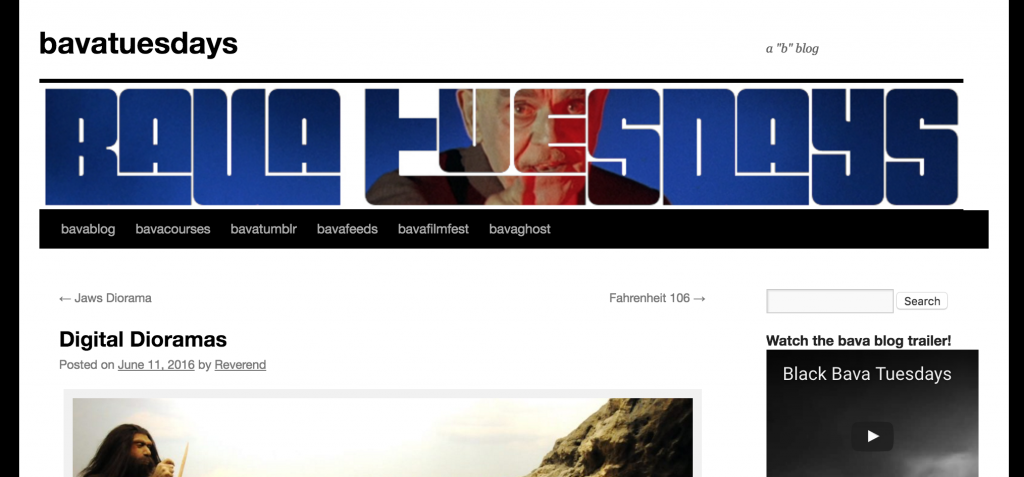
I was just searching the term “digital diorama” which Vint Cerf used during his Decentralized Web Summit talk, which I really enjoyed. So, a quick search led me far afield as usual, and I came across this unbelievably gorgeous diorama thefigurecollector.com from of the scene wherein Jaws eats Quint. It seems to have been published back in 2009, but it’s magic is timeless. The detail is mind blowing, so good I had to share it here for posterity.
Makes me want to make a The Thing diorama! Maybe the dog scene? 🙂
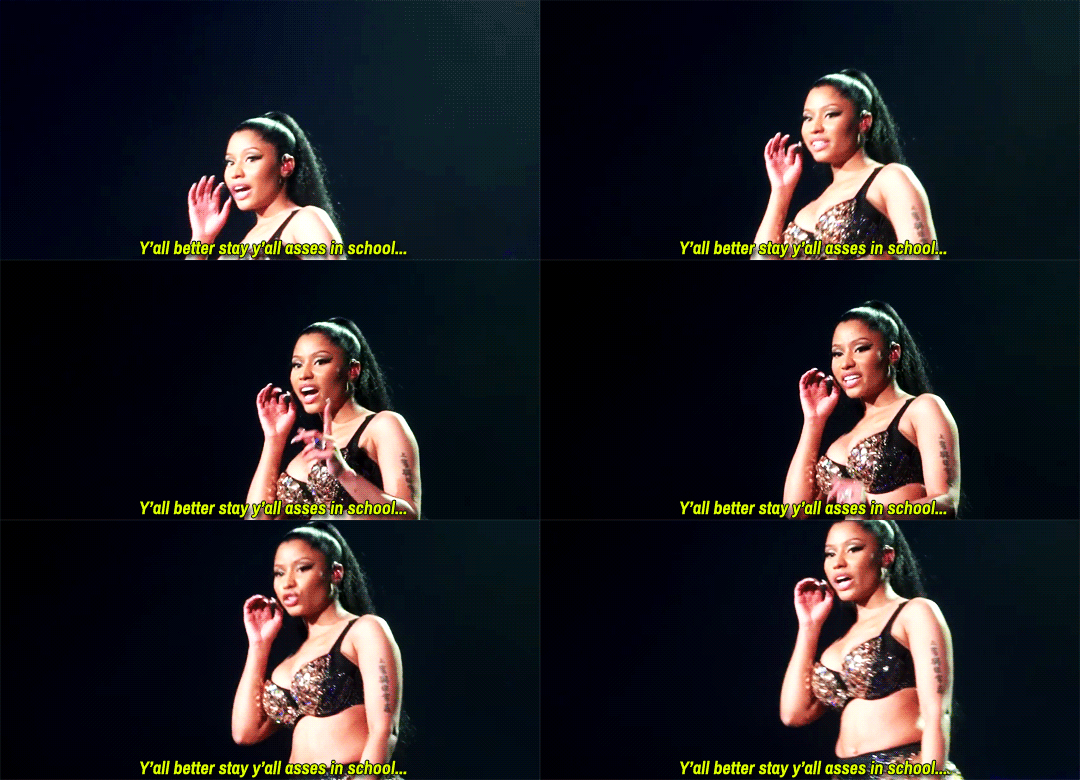
I spend some of my time these days giving sage advice; us thought leaders do that from time to time—consider it a fringe benefit of staying my ass in school 🙂 Anyway, I was asked how I would approach framing a Domain of One’s Own initiative to convince admin this is valuable, and my take is fairly simple: it’s cheap as hell and can actually conform to and be driven by the needs of your community. So below is a quick copy and paste of my advice column email because I can:
…I think the points I might focus on in practical terms is that this can be a small pilot to experiment and also quite affordable. The DoOO package is in increments of 500 users and includes single sign-on, backups, etc. This allows you to see if it makes sense for your community, while at the same time not being an enterprise cost structure. That package is $500/month, and no hidden costs. That’s it, so that would be one important point.
The other is that such a project would be best accomplished in conjunction with faculty and departments who want to explore alternative visions of portfolios, digital literacy, etc. Building a learning community during the pilot year would be optimal. It gives the project direction and community ownership, and it allows folks to explore it for their own research, scholarship, and teaching. I would also encourage including staff in such a cohort from the library, student services, etc.
In my mind those are two crucial point[s]: affordable and community driven. After that, you can assess growth and scale if it proves useful/successful.
A few nights ago I finally bit the bullet and started working through a terabyte hard drive full of files from my digital past. I have been mentally slouching slowly towards this for years, but recently I’ve begun to take some action. It started with finally reviving Plant Miles while prepping for my AMICAL talk in Rome, and then I was finally pushed down the rabbit hole when Antonella, her mom, and the kids spent hours working through our Flickr stream of photos and videos. Our kids are at the age where they love reflecting back on how little they were, and I we took all the photos and videos this very moment.
Luckily I do have a fair bit organized thanks to Flickr and to a lesser degree Vimeo. I lost some stuff when my YouTube account was terminated for copyright infringement, not to mention the time Blip.tv went away. Blip.tv going down was painful because I lost all the originals of the EdTech Survivalist series (which I still haven’t found in my backups) as well as a screencast I made about the house I grew up in. Fortunately film history will not be too terribly impacted by the loss, but I feel the gaps acutely. And despite the solid start I have with Flickr and Vimeo, I have tons more sitting on hard drives and servers. And when i think about all those unlabeled and uncategorized files I become despondent. I spend an inordinate amount of time worrying about my unorganized digital life. I know it’s not healthy, but I have been dreaming of organizing my files for years, and finally the time has come. Even before I organized the various sites I have an account with (I’ve made some headway with that project last year thanks to 1Password) I feel reclaiming my domain starts with my personal file system—or lack thereof.
Image Credit: reclaim.care—I didn’t even have to do this one 😉
Over the last 10 years I’ve had at least 6 different computers I’ve used and stored files on. Unfortunately, I was a late comer to Dropbox, which helps me deal with some of these issues presently. Moreover, I never cleanly backed up from one computer to the next, I did everything manually and would often start clean on new computers. So when I handed in my last UMW computer in September and bought my first Reclaim laptop I had backups from at least 6 different machines across a couple of terabyte backup drives that I needed to go through.
To make matters worse my backups were uneven, meaning I had files across many of them that were duplicates. But without anything resembling a system I just kept everything. Furthermore, I developed the bad habit of cleaning off my often full desktop with temporary “Desktop Clean-up” folders that I would date and forget—making working through these backups fairly laborious. That said, now that I’ve gotten into it I’m totally enjoying the process. It’s like a walk down memory lane with all the stuff you find in these hidden corners from years ago. All the random images I downloaded, GIFs I forgot I made, and UMW travel reimbursement forms I no longer have to fill out. Below is just a wee sampling of things…
Michael Branson Smith’s MOOC parody using the Shining
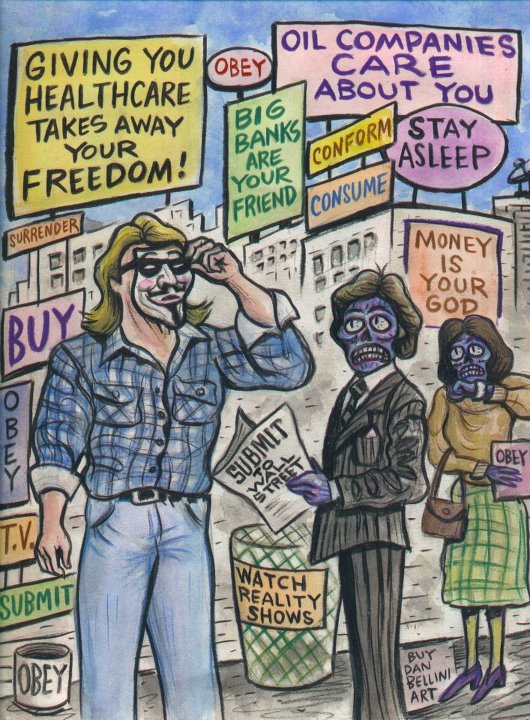
Occupy Movement themed They Live!
Fear and Loathing Mario Mashup
Someone used this as a slide about privacy once 🙂
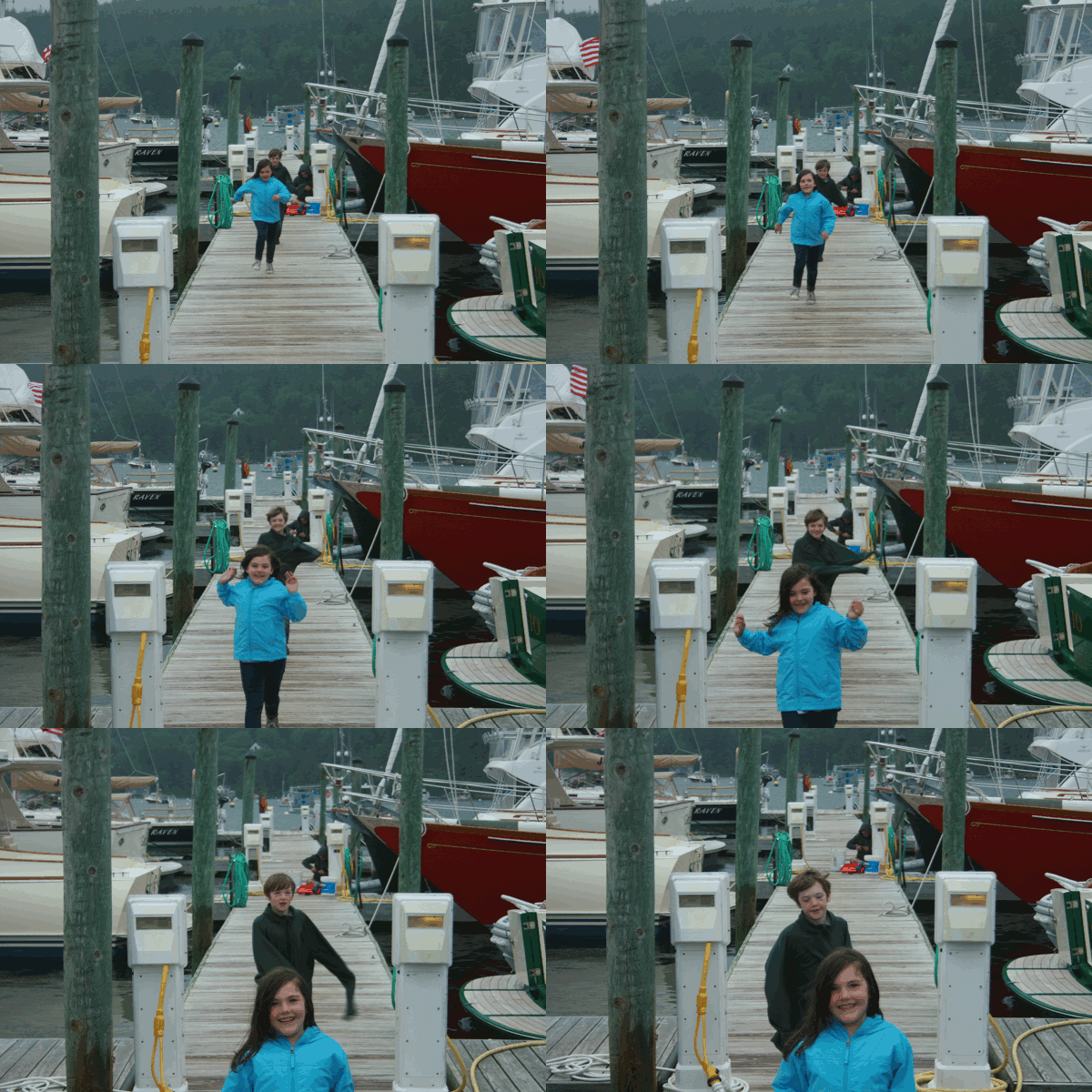
Dock of the Bay GIF of my kids
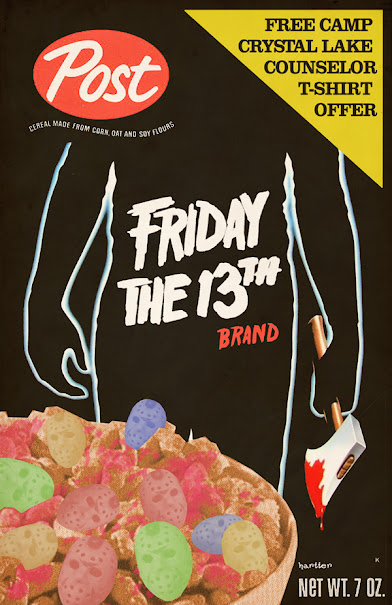
This Friday the 13th themed cereal is by the brilliant Sean Harter, who I learned recently died 🙁 I love his work.
Jason and the Argonauts Hydra GIF Glitch
As you can see, I am am getting lost in the details. But I do have a system, however rudimentary. Since I’ve been using a Mac since 2004 a few directories have remained consistent over time: Documents, Movies, Pictures, Downloads, etc. I added a few like ds106, Shenandoah, Reclaim, etc. I created clean copies of these directories at the root level of the backup drive, and have started to go into each of the backup folders for the various Macs and move the files into the corresponding root folder directory. For example, I would take all the images in the directory MBP-backup-10-12-10/Images and move them to root/Images. After doing this across all my Images directories from all the backups—being sure to double-check for duplicates—the consolidation of my images is cleaner—though I am still working through wrapping my head around the images I have in iPhoto, which I hate with a passion. One of the issues I have found with consolidating images into a directory like this is that in some cases cameras have sequenced file names that can overlap, so I am sure to check the duplicates closely. I am finding this problem with all my Flip Camera videos, and I have many! This is when I begin to appreciate how Mac’s automatically name screenshots with date and time to the second—it makes the tons of screenshots I have taken very easy to organize.
I spent the first night working through all my DVD rips. I have ripped a decent amount of DVDs over the last 12 years, and this was an opportunity to consolidate them into one folder/drive so I could actually access/watch/remix them easily. I was discovering films I didn’t even remember I had like John Cassavetes‘s Faces (which I watched last night), David Cronenberg’s Shivers, Vittorio De Sica‘s The Gold of Naples, and Tod Browning’s Mark of the Vampire to name just a few. The ripping work I’ve done over the last decade will serve me well abroad 🙂
The DVDs are fairly well organized at this point, but I am still just at the beginnings of a much longer process of actually organizing the individual text files, images, audio,video, and various sites/code. Consolidating them is just the beginning, but you have to start somewhere, right? I’ve been inspired by Tom Woodward’s working through his personal API, and that is really for me what this is leading up to. But before I get to imagining all of that, I need to get my digital house in order. And this feels like the right start, take stock of my digital lifebits a decade in and come up with system I can move forward with comfortable because I have a sense this digital stuff might catch on.
is an ongoing conversation about media of all kinds ...
Testimonials:
Generations from now, they won't call it the Internet anymore. They'll just say, "I logged on to the Jim Groom this morning.
-Joe McMahon
Everything Jim Groom touches is gold. He's like King Midas, but with the Internet.
-Serena Epstein
My understanding is that an essential requirement of the internet is to do whatever Jim Groom asks of you while you're online.
-James D. Calder
@jimgroom is the Billy Martin of edtech.
-Luke Waltzer
My 3yr old son is VERY intrigued by @jimgroom's avatar. "Is he a superhero?" "Well, yes, son, to many he is."
-Clint Lalonde
Jim Groom is a fiery man.
-Antonella Dalla Torre
“Reverend” Jim “The Bava” Groom, alias “Snake Pliskin” is a charlatan and a fraud, a self-confessed “used car salesman” clawing his way into the glamour of the education technology keynote circuit via the efforts of his oppressed minions at the University of Mary Washington’s DTLT and beyond. The monster behind educational time-sink ds106 and still recovering from his bid for hipster stardom with “Edupunk”, Jim spends his days using his dwindling credibility to sell cheap webhosting to gullible undergraduates and getting banned from YouTube for gross piracy.





 So, I had my animation, so after that I created a 400 wide and 640 high canvas and added the text FAHRENHEIT (all in straight Arial text, I was rushing a bit at this point cause I was already an hour or so in) at the top of the canvas. I think filled the background in black, so I had my template. Now I added the numbers 106 in bold arial so I could cut them cleanly out of the canvas so the background would be transparent. Once I did that I imported the animated GIF as layers (“Open as layers”) and I duplicated the book cover template 15 times (that’s how many animation frames there were of the flames—one for each). I then copied one of the template layers with text and transparent 106 above each flame, and use the “Layers –> Merge Down” tool to have the template merge with the animation to give the 106 numbers the flame animation. You do this 15 times and you have a book cover GIF. I then wanted to add the blurb “the temperature at which creativity catches fire” for effect, which means I created the text element as a layer, positioned it, and then duplicated it 15 times as I did with the template and merged it onto each frame (this is some of the laborious work of GIMP!). After doing this I realized I misspelled temperature, which is no great surprise on this blog. And given I know this was a test (I want to go back and pick better fonts and play with it a bit more, I decided to cut my losses.